Manage a member's plans and credits
Grant or remove a member's plan and read their credit history.
The Memberships and Credits cards, in the Membership tab of a profile, show what a member pays for and what they spend. This page shows how to grant a plan by hand, remove one and read every credit movement. To open a profile, see Work on a member's profile.
1. Grant or remove a plan
The Memberships card lists the person's plans. Each plan shows Valid membership or Expired membership, whether it is a Subscription or an Add-on, whether it is Paid or Unpaid when the payment is known, and its end date, or No end date.
Grant a plan
Use this to give a plan by hand, for example a free season pass.
- Select Manage plans.
- Choose the Plan.
- Optionally, set an Expiration date (optional). Leave it empty for a plan with no end date.
- Optionally, add a Reason (optional) for the history.
- Select Grant plan.
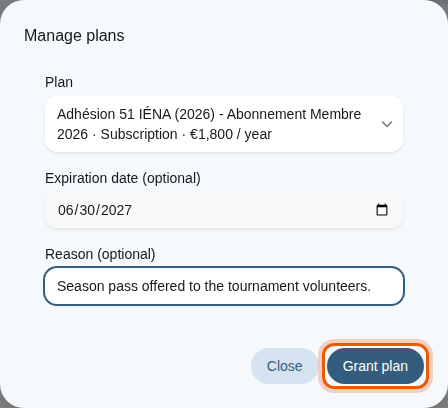
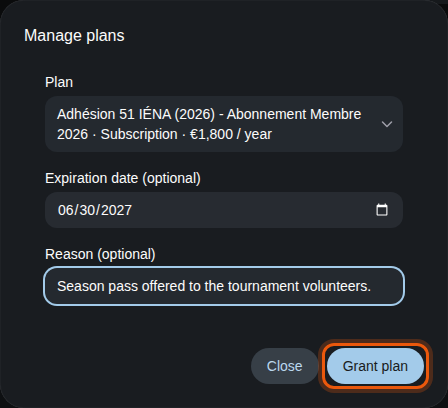
Granting an example season pass to Alex Morgan until the end of June 2027. The control to use is outlined in orange.
A granted plan does not create an invoice. If the person already has the same plan granted by hand, Champagne updates its expiration date.
Remove a plan
Select Remove membership on a plan, add a Reason (optional) and confirm with Remove membership. A plan granted by hand disappears immediately. A plan paid through Stripe may come back when Stripe sends its next update: to stop a paid subscription, cancel it in your payment account.
Open Technical details on a plan to see its Stripe price and its Membership ID, for example when your Champagne provider asks for them.
Each plan added, renewed or removed is kept in the Membership history of the profile. See Read the history and signed documents.
2. Read the credit history
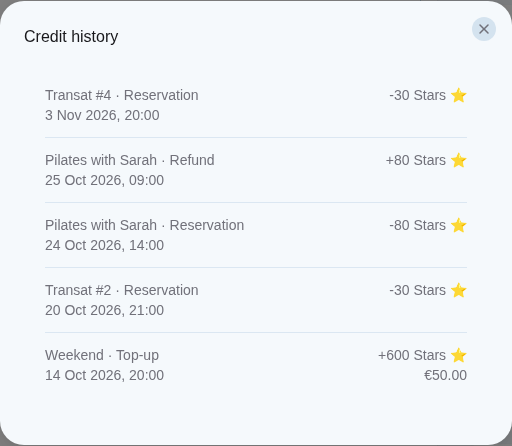
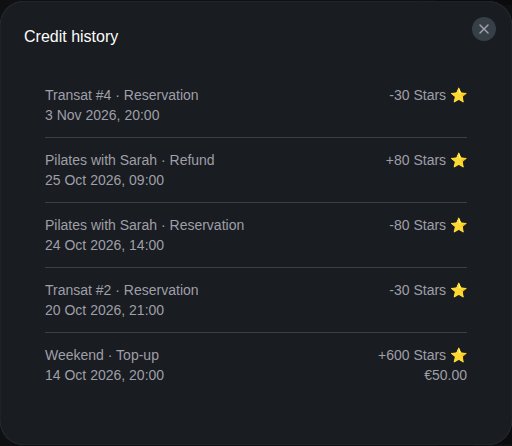
Select View history in the Credits card to open Credit history. Each line shows what the credits were used for, such as a Top-up, a Reservation, a Security deposit, a Refund, a Deposit returned or an Add-on, with its date and the number of credits added or spent. For a top-up, the amount the member paid appears under the credits.