Sign in and find your way
Open the back office, switch between clubs and reach each section from the left menu.
The back office is the website your club team uses every day. This page shows how to sign in, how the screen is organized and how to change club, language or display.
1. Sign in
Open the back-office address your club gave you. Enter the Email and Password of your staff account, then select Sign in.
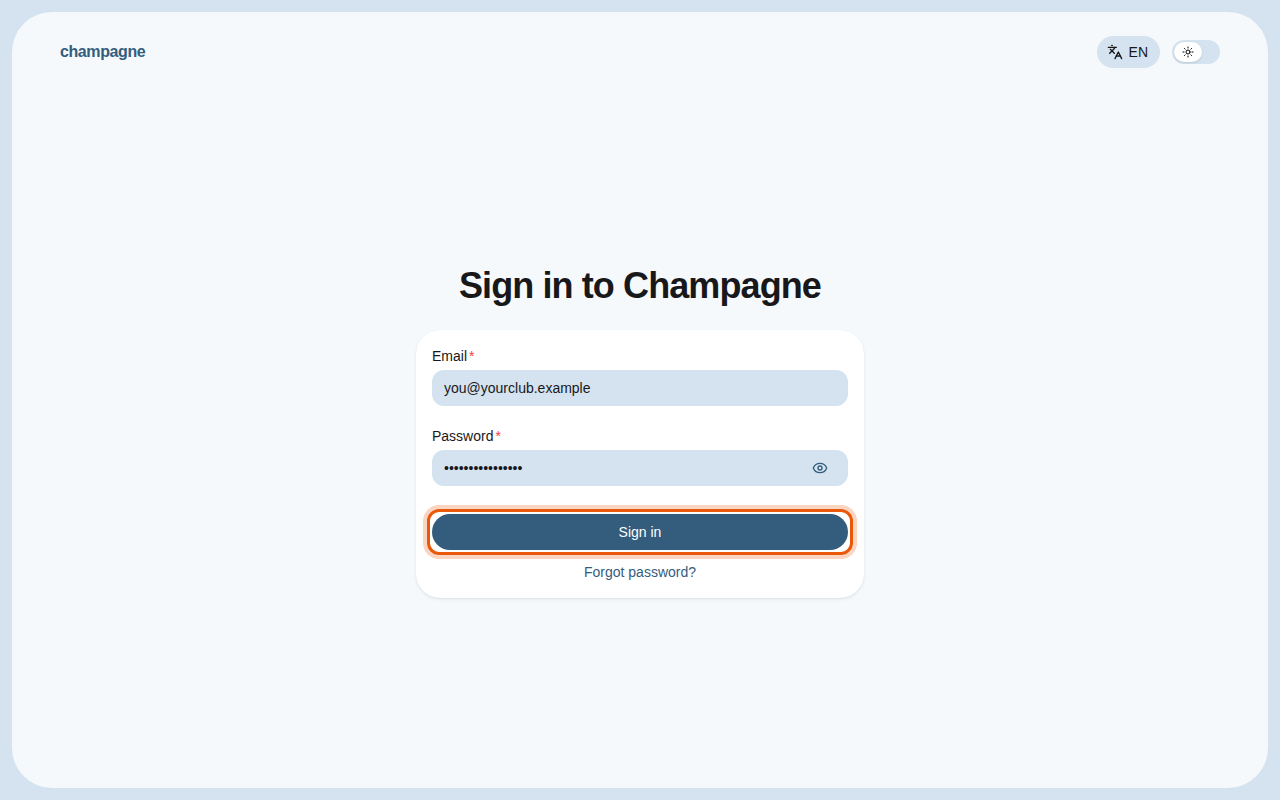
The sign-in page, filled with an example address. The control to use is outlined in orange.
First time here?
Your administrator sends you an invitation email. Open the link in that email to choose your name and password. See Invite your team.
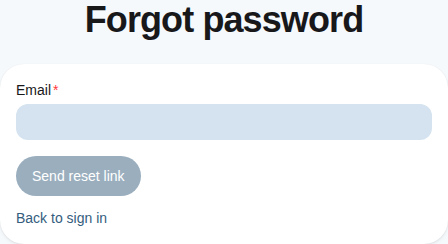
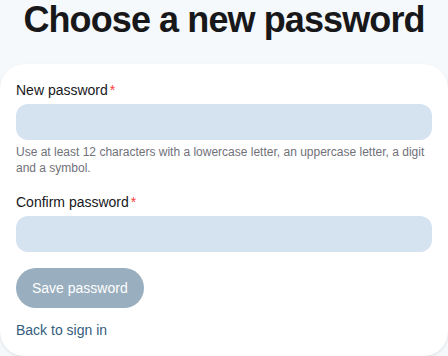
Forgot your password? Select Forgot password?, enter your email and follow the link you receive to choose a new one.
2. Get to know the screen
After signing in, Champagne opens the first section you are allowed to use.
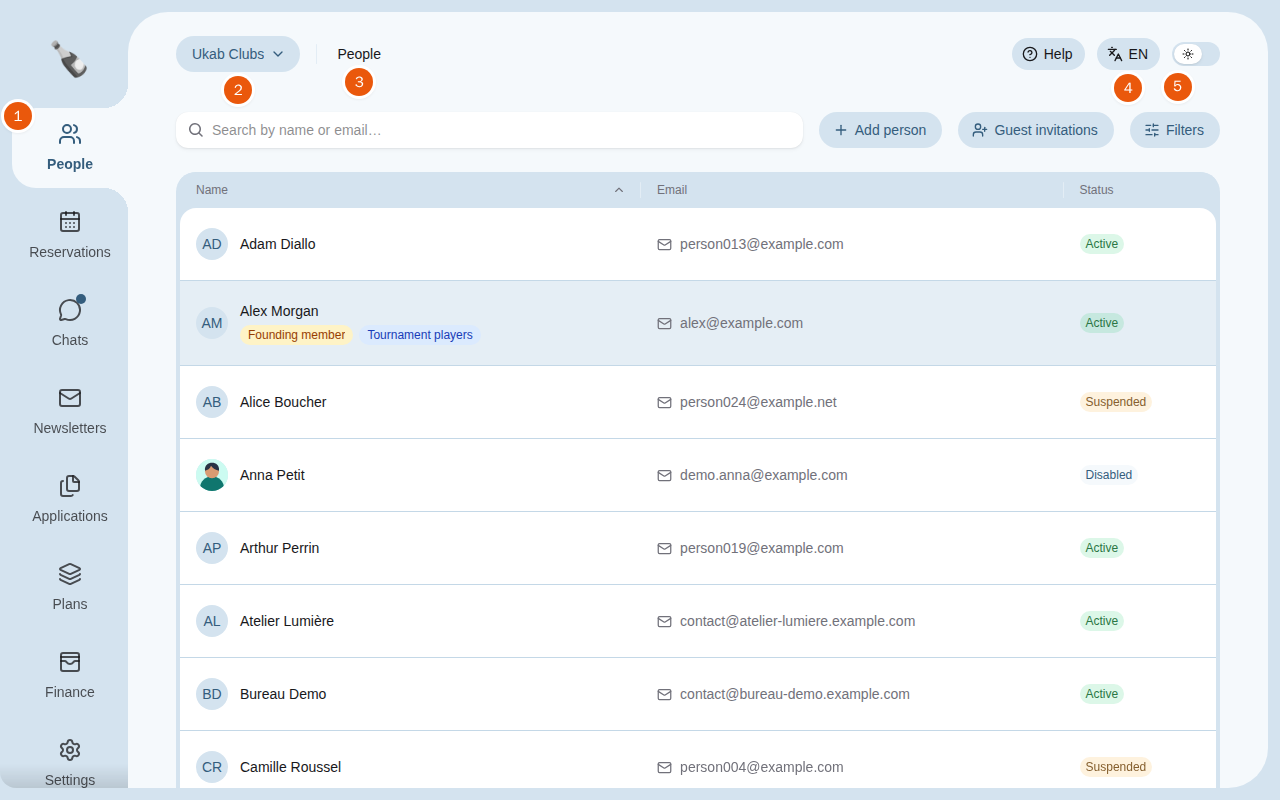
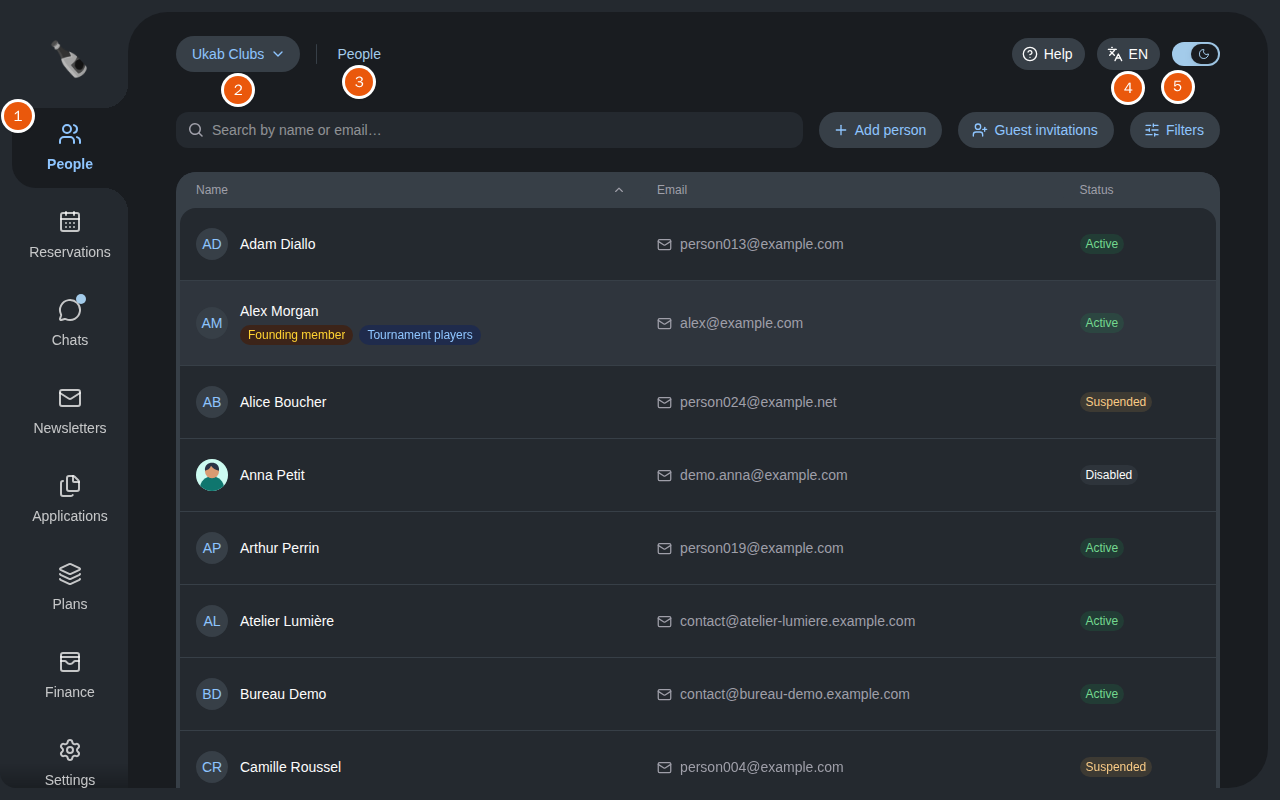
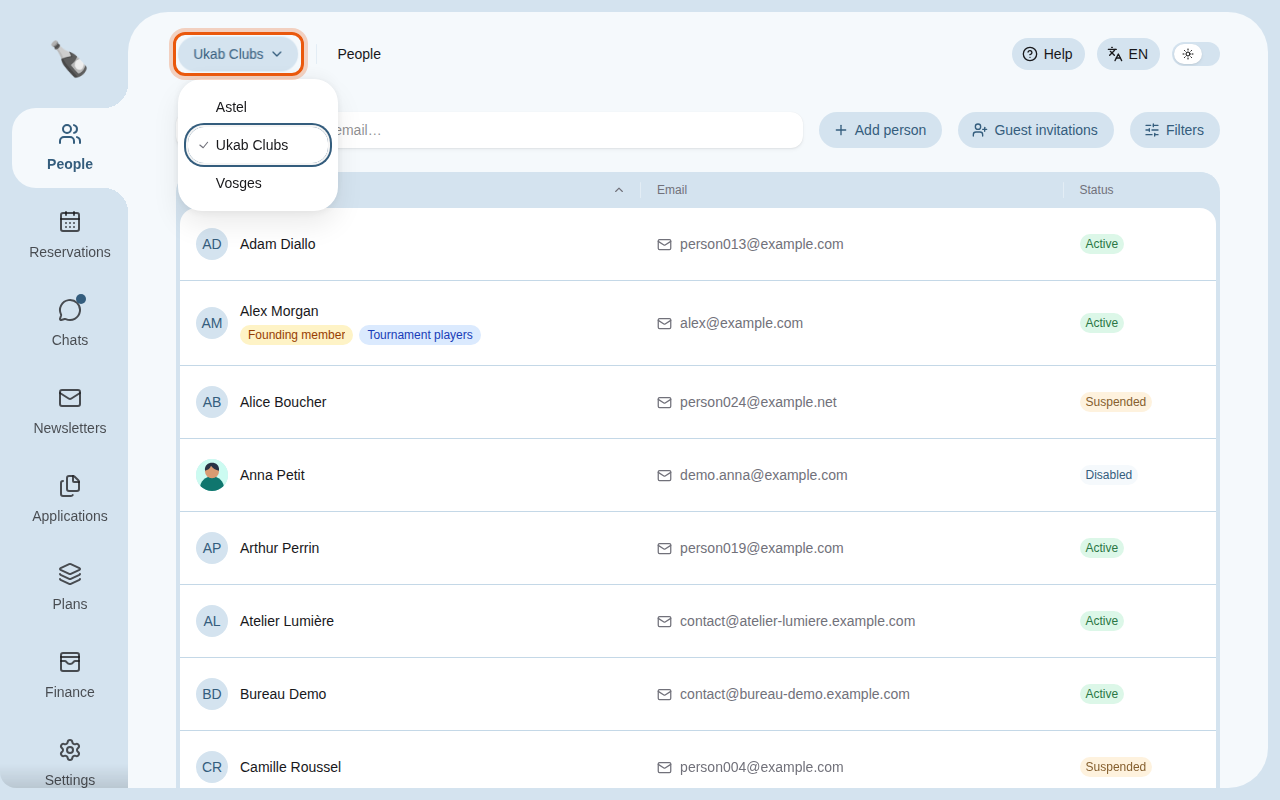
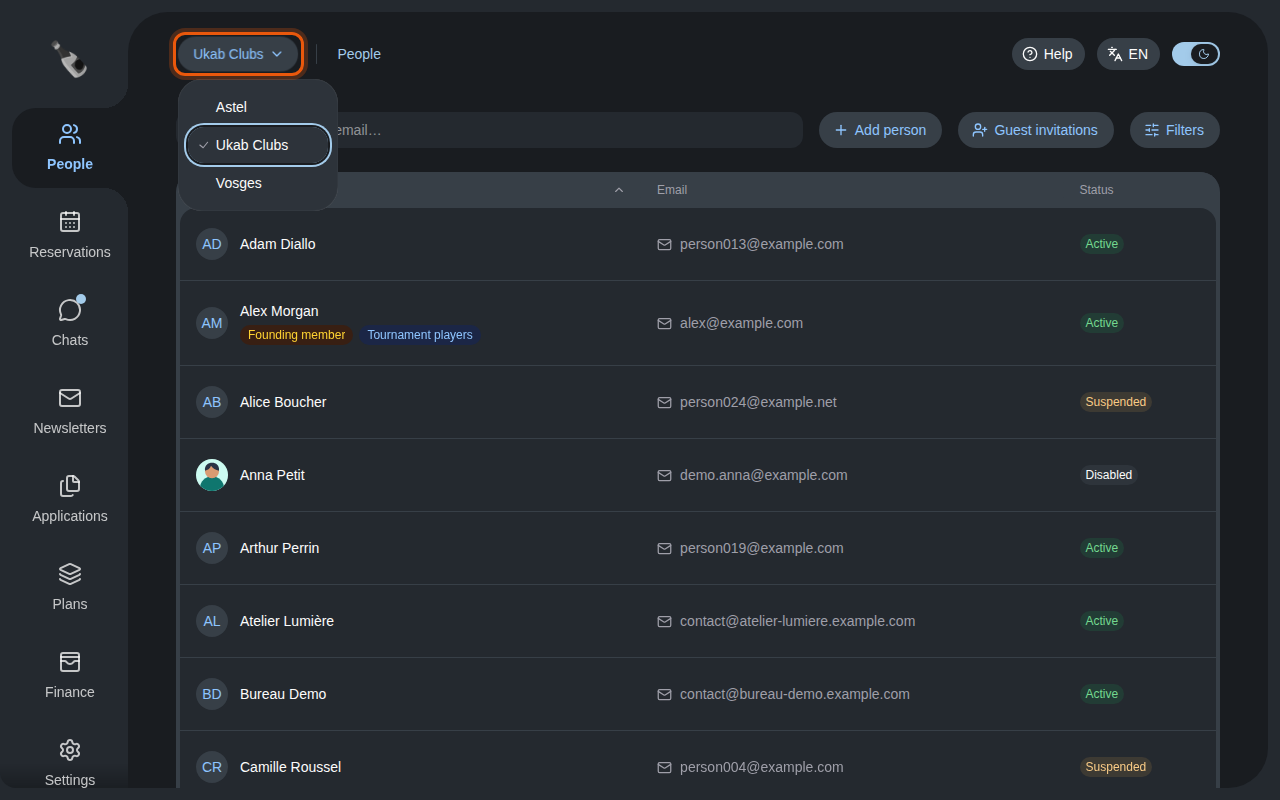
The People section of the example club Ukab Clubs. The numbers match the list below.
- The left menu lists the sections you can open, such as People, Reservations, Chats or Finance. My account sits at the bottom, under Team for administrators.
- The club name at the top left shows which club you are working on, when your account works for several clubs.
- The section name next to it reminds you where you are.
- EN or FR at the top right shows the language of the interface. Select it to switch to the other language.
- The switch next to it turns dark mode on or off.
Help, before the language, opens the page of this guide that explains the screen you are on. On a phone, it sits at the bottom of the menu.
You only see the sections your role allows. A coach may see Club calendar, My reservations and My availability, while a manager also sees People or Finance. Ask your administrator if a section you need is missing: Who sees what lists what each permission shows.
3. Switch club
If you work for several clubs, select the club name at the top left and pick another club in the list. A check mark shows the club you are working on. Every section then shows that club's members, reservations and settings.