Check guests in and out
Validate tickets at the door, record departures and refund security deposits.
This page covers the moments when a guest arrives and leaves. You can check a member's ticket at the door and mark them present, follow a stay while it is in progress, record the departure with Check out and give back the security deposit. A security deposit is an amount the guest pays on top of the price and gets back after the stay, for example for a hotel suite.
1. Check a ticket at the door
When a reservation category gives members a QR code ticket, members download it from their reservation. The ticket shows a QR code and a six-digit code. Your administrator turns this on with the QR code ticket option of the category.
In Reservations or Club calendar, select the category, then select Tickets above the calendar. The button appears for categories with tickets, if your role includes the Validate attendance and tickets permission.
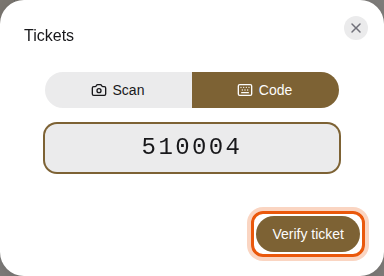
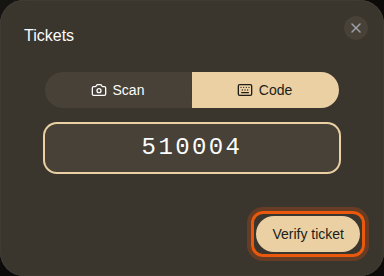
Typing the example ticket code 510004 by hand. The control to use is outlined in orange.
-
With Scan, hold the ticket's QR code in front of your device's camera. The ticket is read as soon as the code is in view.
-
With Code, type the six digits printed under the QR code, then select Verify ticket. Use it when the camera cannot read the code.
-
Read the result.
- Valid ticket shows the guest's name and photo, the category, the Date, the Resource, the number of Guests and the attendance already recorded. People the guest invited are listed under Invited guests, marked Accepted or Invited.
- Invalid ticket means the code is unknown, or the booking is canceled, not confirmed
yet, or already over. Tickets of a category without tickets are refused too.
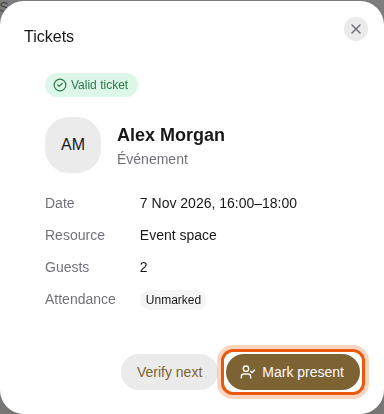
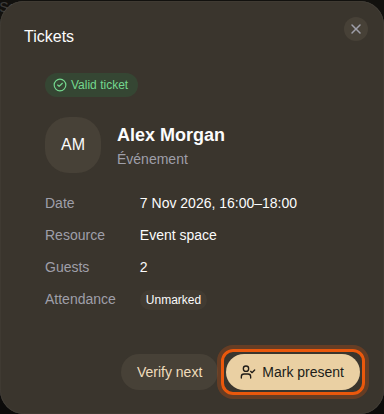
The ticket of the example member Alex Morgan for a concert matinee.
-
Select Mark present to record the guest's arrival. The button then reads Present.
-
Select Scan next or Verify next for the following guest.
When the camera does not start
The browser must be allowed to use the camera. If it is not, a message says the camera is unavailable and offers to try again. Switch to Code and type the code instead. After many attempts in a short time, the check pauses for one minute.
You can also mark attendance by hand on the reservation page or in a session's panel. See Handle reservations and Use the club calendar.
2. Follow a stay and check a guest out
A confirmed reservation shows where the stay stands in a label next to the guest's name. The times come from the reservation, and from the check-in and check-out times of the resource when your administrator sets them.
| Label | What it means |
|---|---|
| Check-in | The guest can arrive: the check-in time has passed. |
| Ongoing | The reservation has started and is not over yet. |
| Check-out | The reservation has ended and the guest can still leave until the check-out time. |
| Checked out | Someone recorded the guest's departure. |
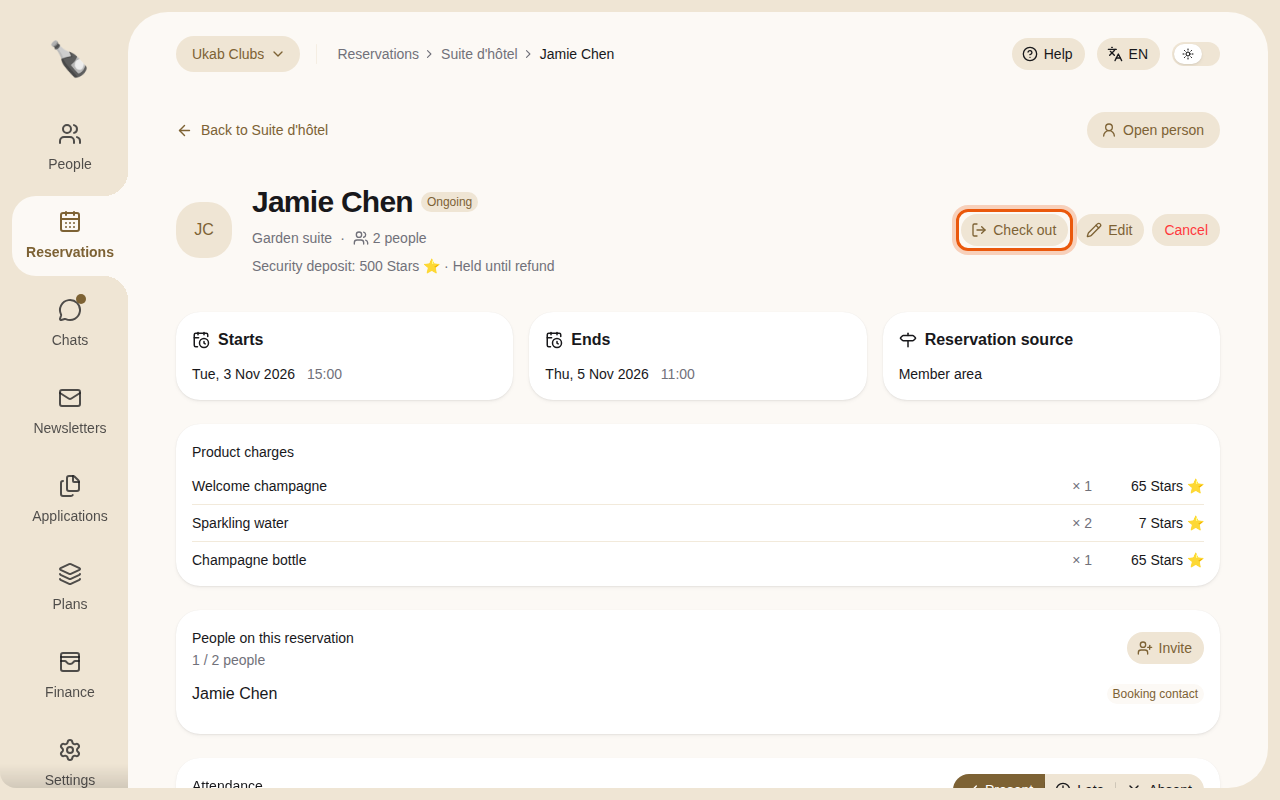
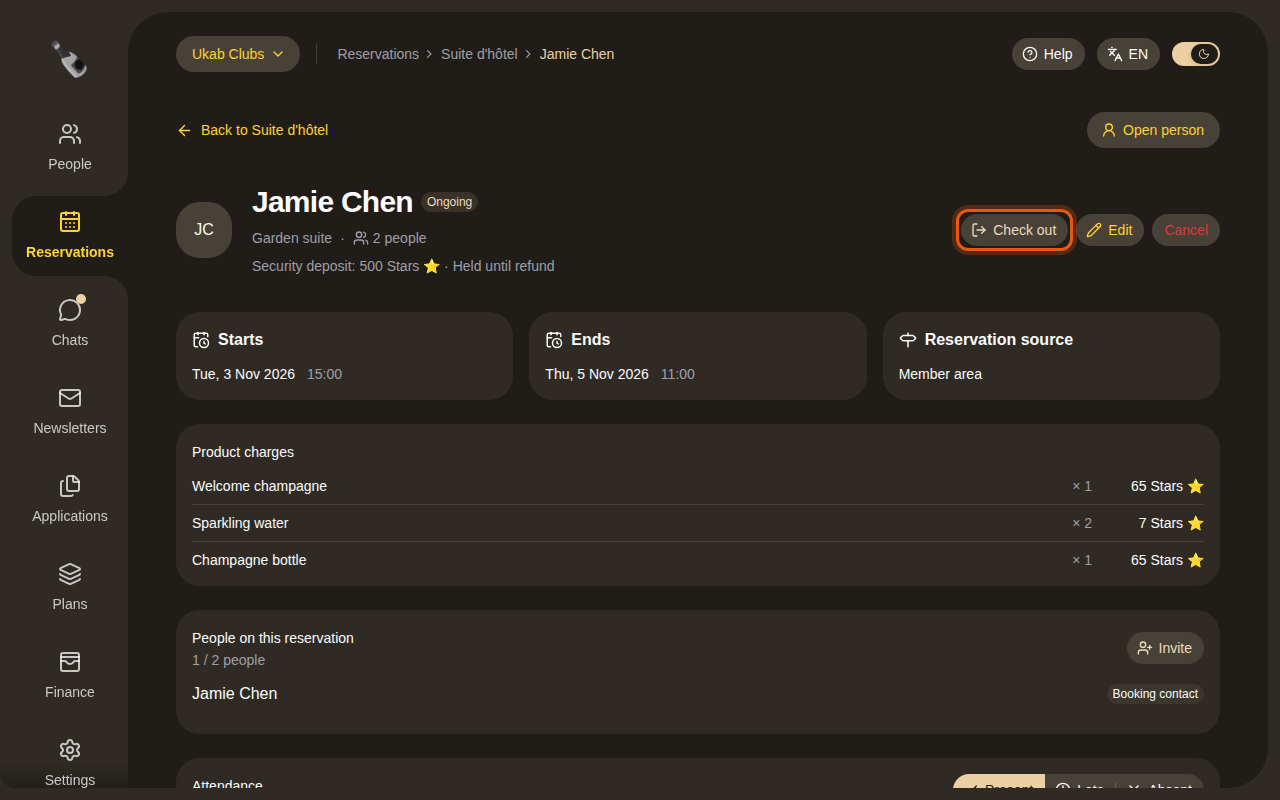
While the stay is in progress, select Check out at the top of the reservation page when the guest leaves. Check out and Undo check-out need the Validate attendance and tickets permission. The departure time appears in a Checked out card next to the dates.
- Without a deposit to give back, the reservation becomes Completed.
- With a paid deposit, it stays Confirmed until the deposit is refunded.
If you checked out the wrong guest, select Undo check-out. The reservation goes back to Confirmed. Once the deposit is refunded, the check-out can no longer be undone.
3. Refund the security deposit
The line under the guest's name shows the deposit and where it stands.
| Deposit state | What it means |
|---|---|
| Due with reservation payment | The guest has not paid the reservation yet. |
| Held until refund | The club holds the deposit. |
| Refunded | The whole deposit went back to the guest. |
| An amount refunded and kept | Part of the deposit went back and the rest was kept. |
Refund deposit appears once the guest has left, either after Check out or once the reservation's check-out time has passed, if your role includes the Create and change reservations permission.
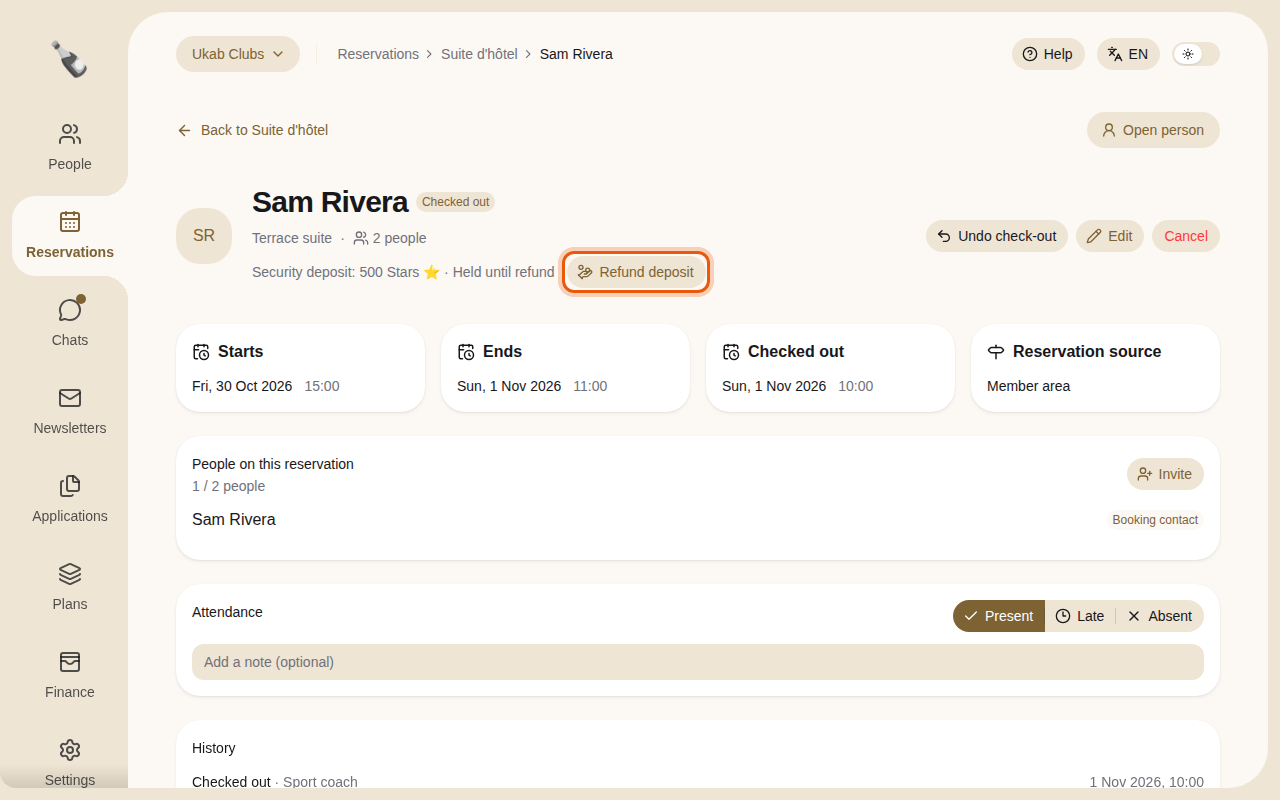
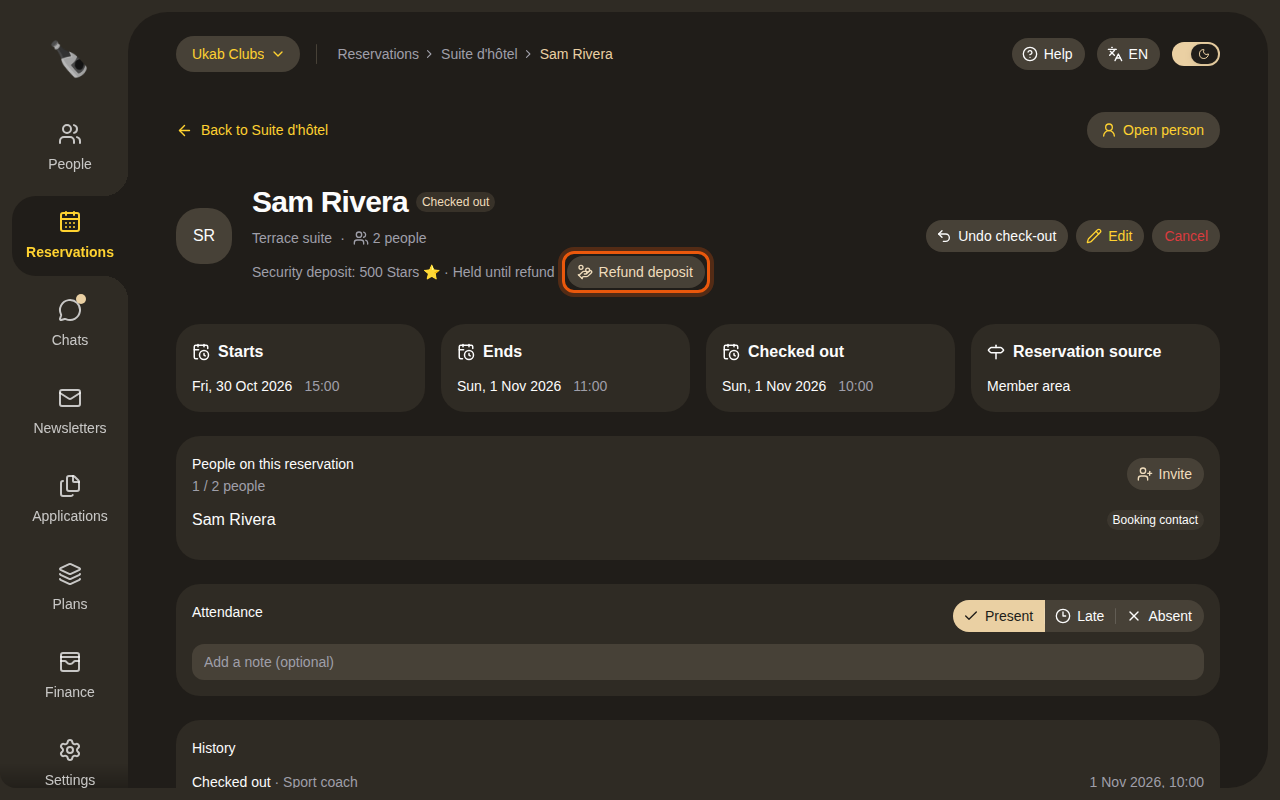
- Select Refund deposit.
- In Amount to refund, keep the full amount or lower it. The amount kept appears under the field.
- When you keep part of the deposit, explain why in Message to the customer.
- Select Refund in full, or Refund followed by the amount.
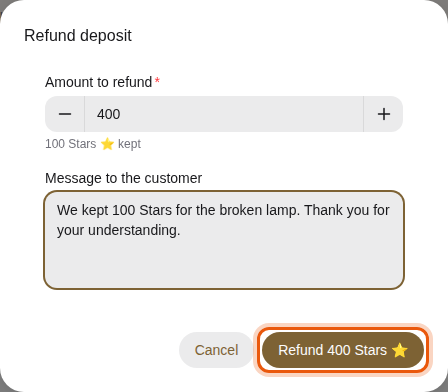
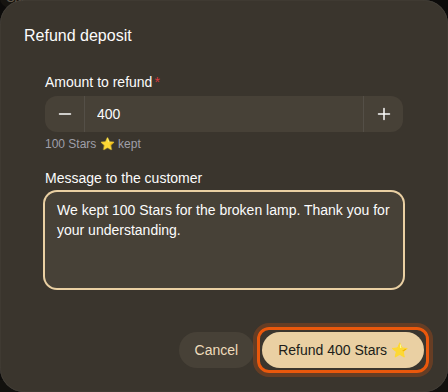
The money goes back the way the guest paid: to their card, or to their credit balance. The reservation becomes Completed and the guest is notified. Your message appears under the deposit line, and on the member's reservation under Message from the club.
Automatic refunds
Deposits that nobody refunds are returned in full after a delay set by your administrator in Settings, under Security deposits.