Your reservations
Open a booking to read its details, pay it, change it or cancel it.
Once you have booked, each reservation has its own page in your member area. From there you read what the booking costs, pay it, change it or cancel it. To make a new booking, see Book a reservation.
1. Open a reservation
Open My account, select the Reservations tab and select a booking in My upcoming reservations. You can also select the Next reservation card of the Overview tab.
The reservation page shows the activity, its status and the room, place or coach you booked. The details card starts with the Starts and Ends times side by side, followed by the Reservation price. Select My reservations at the top to go back to the list.
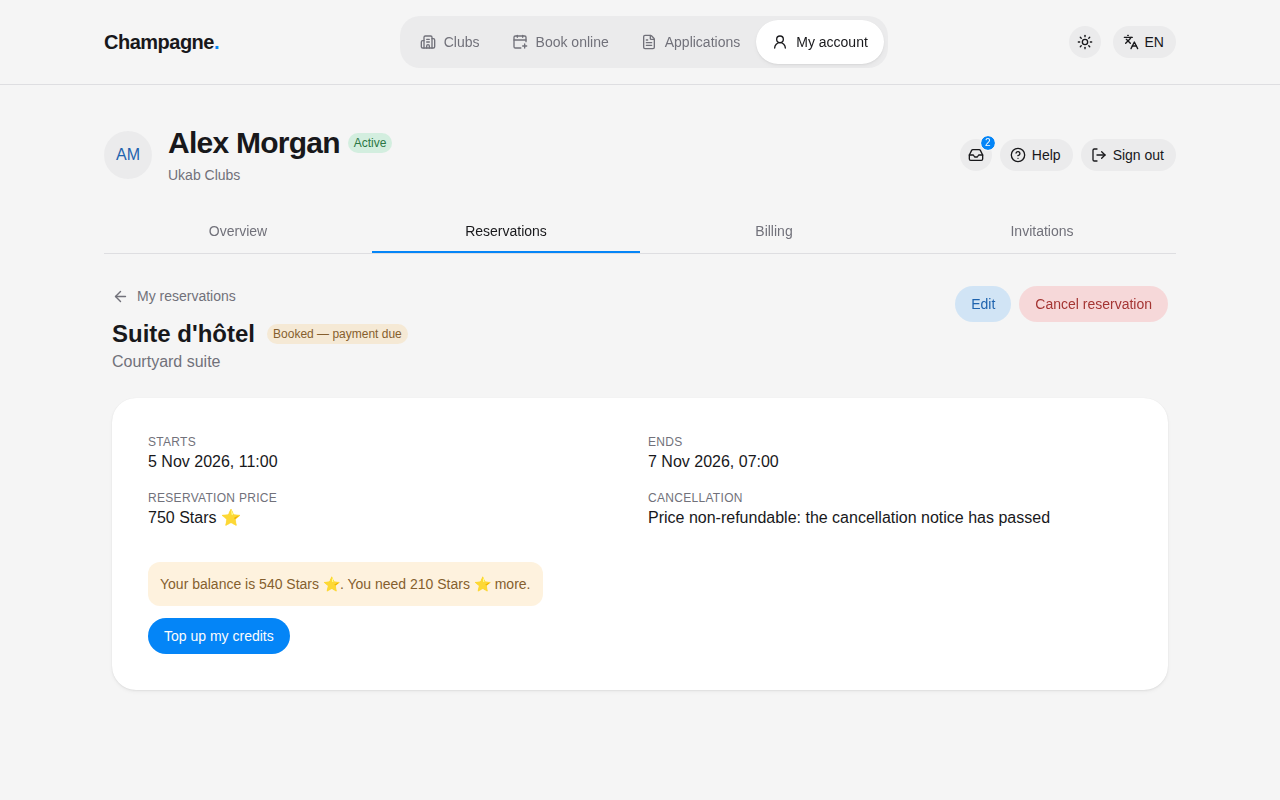
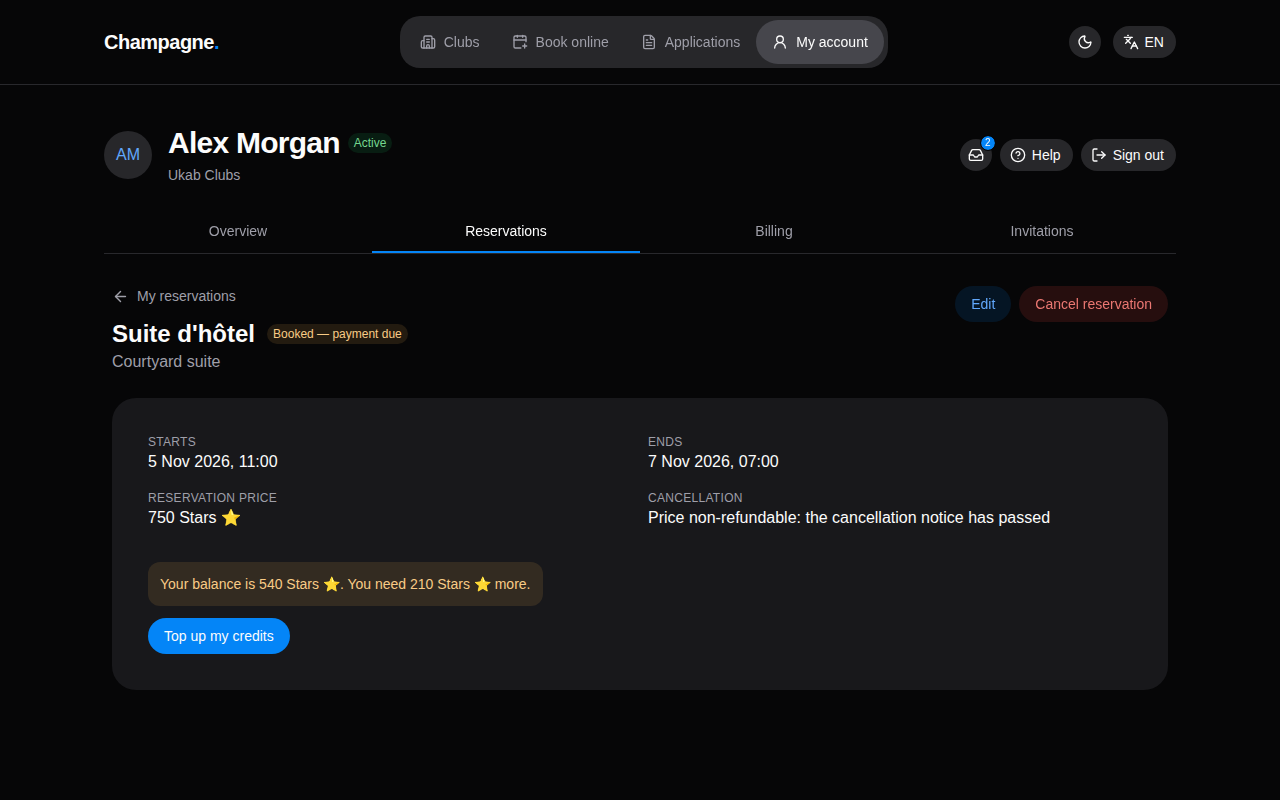
The example Suite d'hôtel booking of Alex Morgan, starting tomorrow and waiting for payment.
Each booking shows one of these statuses:
| Status | Meaning |
|---|---|
| Awaiting your club | Your request is with the club, which will set or confirm a time. |
| Proposal awaiting your acceptance | The club proposed a time. Accept it to confirm your lesson. |
| Booked — payment due | Your place is held and still needs to be paid. |
| Confirmed | Your booking is settled. |
| Completed | The booking is over. |
| Canceled | The booking was canceled. |
| Proposal expired | The time the club proposed has passed without your answer. |
The two proposal statuses concern lessons with a coach: see Lessons with a coach. When a booking has more than one person, the details card also shows the Number of people. For stays, tickets and the people coming with you, see Tickets, stays and people on your booking.
2. Read the money details
Depending on the club and the booking, the details card shows more lines about money:
| Line | What it means |
|---|---|
| Security deposit | An amount the club holds during your booking and normally gives back afterwards. |
| Total including deposit | The price plus the security deposit: what you pay. |
| Deposit status | Due with reservation payment, Held until refund, Refunded, or the part refunded and the part the club kept. |
| Message from the club | The club's explanation when it settles your deposit, for example why it kept part of it. |
| Cancellation | Free until followed by a date: cancel before it to get the price back. Price non-refundable: the cancellation notice has passed means that date is over. |
If you chose extras such as drinks when booking, they are listed under Product charges at the top of the page, with the quantity and the amount of each. Products that only the club tracks, such as a minibar, are not listed there. A stay with a deposit and product charges is shown in Follow your stay.
3. Pay a reservation
When a booking is Booked — payment due, the details card offers to pay it with your credits.
- If your balance covers the price, select Pay followed by the amount, for example Pay 30 Stars ⭐. The credits are taken from your balance right away.
- If it does not, the card shows your balance and the amount missing, as in the Suite d'hôtel example above. Select Top up my credits to buy more, then come back to pay. See Your credits.
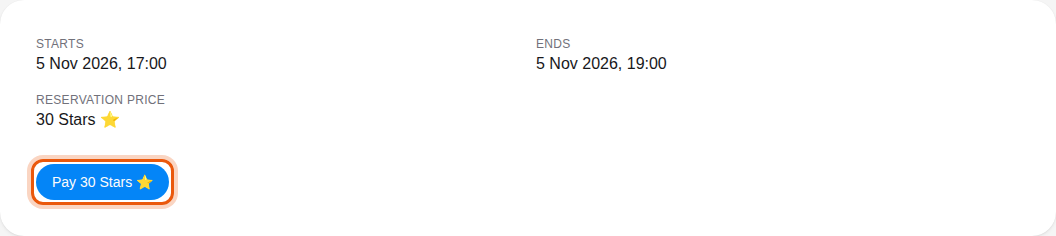
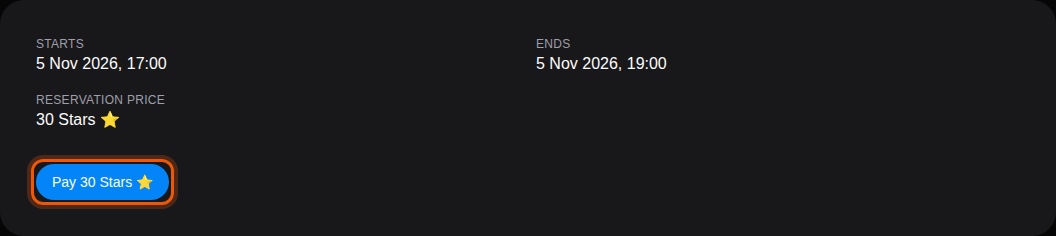
Alex Morgan's balance of 540 Stars covers this example pool booking at Transat #5. The control to use is outlined in orange.
Once paid, the booking becomes Confirmed.
A temporary account created by booking online pays by card instead: its booking shows Pay … by card, which opens a secure payment page. Coming back, a message says whether the payment went through. See Book online as a visitor.
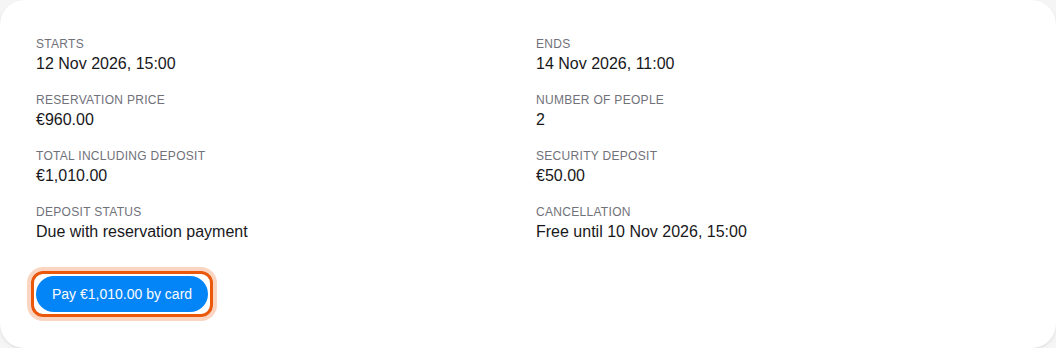
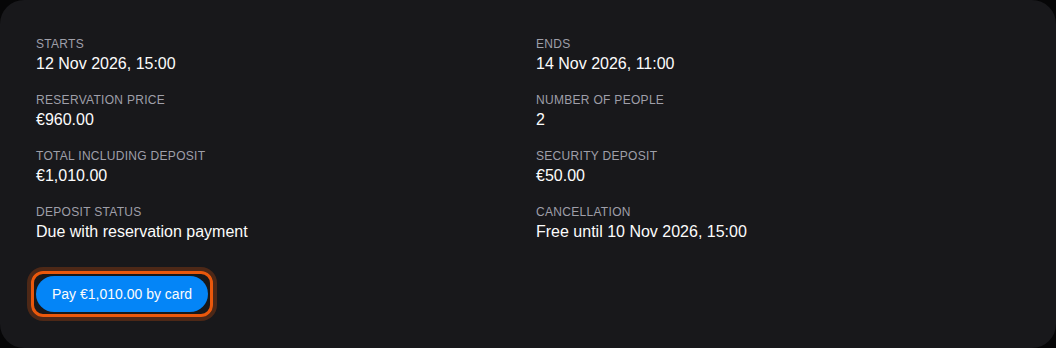
The Penthouse stay booked online by the visitor Marc Lefort, still free to cancel.
4. Change or cancel a booking
Until the booking starts, you can change or cancel it yourself.
- Edit opens the booking form so you can pick another resource, date or time. Select Save. When the price stays the same, the change is saved right away. When it changes, a summary shows the Current price, the New price and the difference: select Confirm change to apply it. On a confirmed booking, the form reminds you that the difference is debited from or refunded to your credit balance.
- Cancel reservation opens a confirmation. It tells you whether the price will be refunded and how many credits return to your balance. When the cancellation notice has passed, it warns that the price will not be refunded.
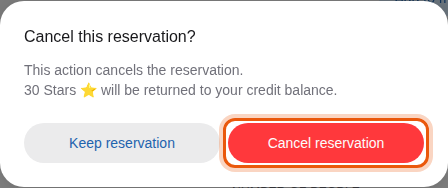
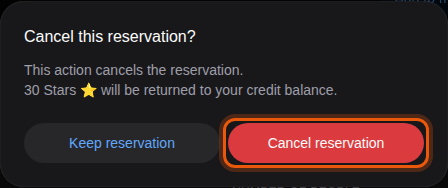
Select Keep reservation to close the dialog without changes, or Cancel reservation to confirm. Some activities only allow cancellation; their page has no Edit button. Once the booking has started, only the club can change it.
After a cancellation, the page shows Reservation canceled with the credits returned to your balance, or says that the price was not refunded when you canceled after the deadline.