Your credits
Top up your club credits, follow your credit history and buy add-ons.
Credits are the club's own currency for bookings: each club picks its name, for example Stars ⭐ at Ukab Clubs. They live in the Billing tab of My account. For your membership, see Your membership.
1. Top up your credits
Select Credits. My credits shows your balance. Under Top up, each pack shows how many credits you get and its price. Save shows the discount compared with buying credits one by one.
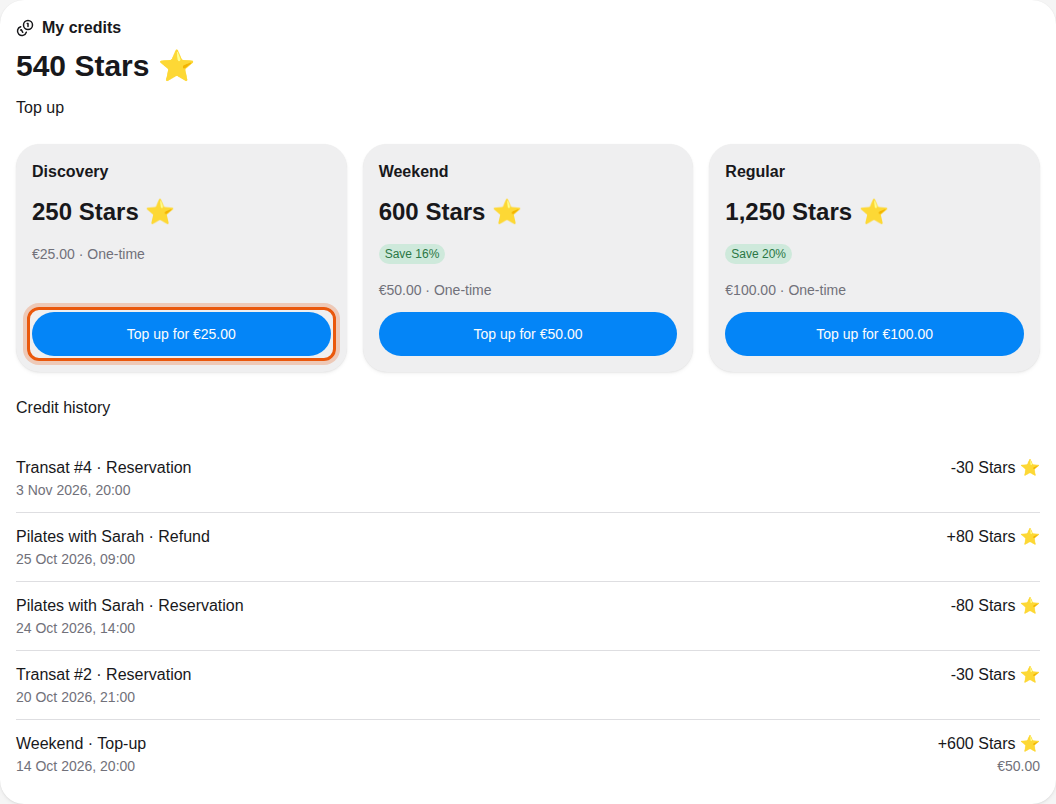
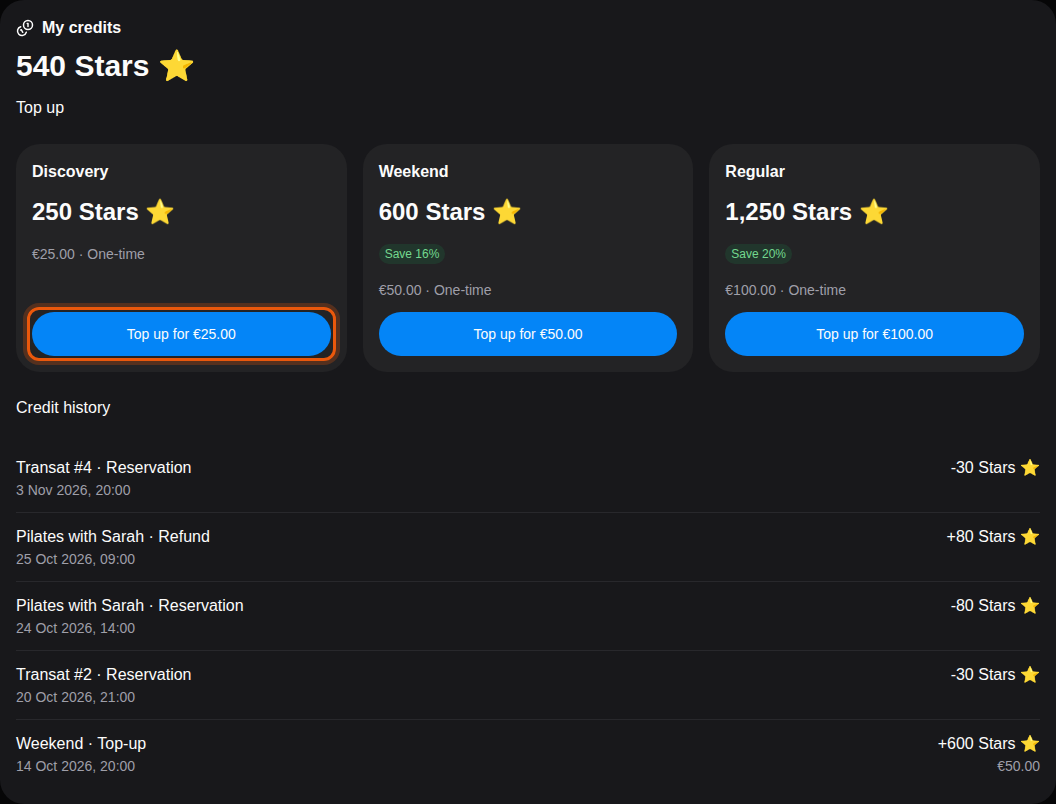
Select Top up for … on a pack and pay on the secure page that opens. Back on the page, Credits added. confirms the top-up. Top-up submitted. Awaiting payment confirmation. means the payment is still being checked. Top-up canceled. means you left the payment page without paying: no credits were added.
When a booking costs more credits than you have, the booking form and the booking's page offer Top up my credits. When you come from the booking's page, select Return to my reservation after the top-up to finish paying it.
2. Follow your credit history
Credit history lists every movement, the most recent first, with what it was for, its date, its amount and, for a purchase, the price paid. In the example above, Alex bought the Weekend pack for €50.00, spent 30 Stars on Transat #2, got the 80 Stars of a cancelled Pilates lesson back, then spent 30 Stars on Transat #4. Use Previous and Next to browse older movements.
| Entry | What happened |
|---|---|
| Top-up | You bought a credit pack. |
| Reservation | Credits were spent on a booking. |
| Refund | Credits came back after a cancelled booking. |
| Security deposit | Credits were held as a deposit for a booking. |
| Deposit returned | The deposit came back to your balance. |
| Add-on | Credits were spent on an add-on. |
Add-ons
Some clubs sell extras, called add-ons. They appear under Add-ons on the Membership page with their price in credits. Select Buy for …: the credits are taken from your balance right away and the button shows Purchased. The add-ons you own are listed under My add-ons.