Accept an invitation you received by email
Open a guest or reservation invitation from its email, and unsubscribe from a newsletter.
Clubs and their members send you emails with a link: an invitation to visit the club as a guest, an invitation to join someone's reservation, or a newsletter. Each link opens a page of the member app where you answer in a few clicks.
1. Accept a guest invitation
A member or the club can invite you to the club for a few hours. You receive an email titled "You are invited to … as a guest". Open its Accept the invitation link before it expires: the email gives the number of days.
The page You are invited to … says who invited you and for how many hours. Your email address is already filled in.
- Enter your First name and Last name.
- Choose a Password and type it again in Confirm password. Use at least 12 characters, with a lowercase letter, an uppercase letter, a digit and a symbol. You use it to sign in again while your guest access lasts.
- Select Accept invitation.
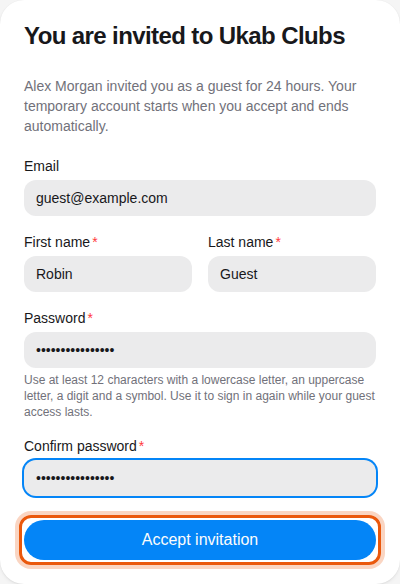
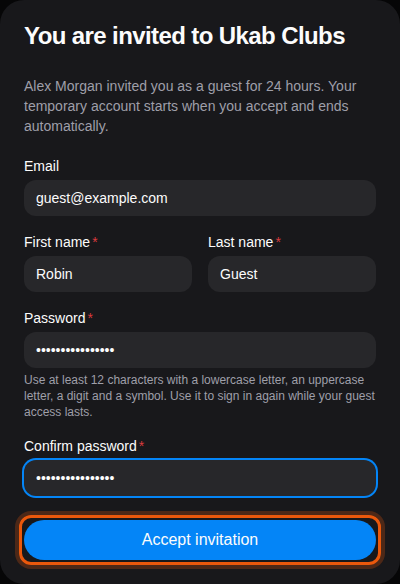
An invitation from the example member Alex Morgan to guest@example.com, for 24 hours. The control to use is outlined in orange.
Your temporary account starts when you accept, and your member area opens. It shows a Guest access notice with the time your access ends. The account closes automatically afterwards.
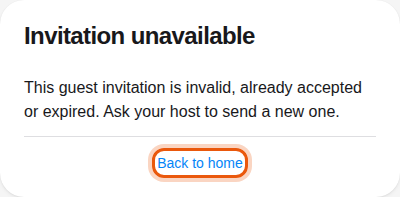
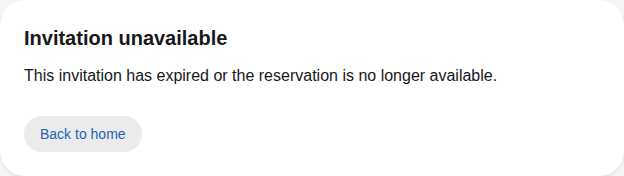
If the page says Invitation unavailable, the link is incomplete, already used or expired. Ask the person who invited you to send a new invitation, or select Back to home.
2. Answer a reservation invitation
When a member adds you to their booking, you receive an email titled "… · Reservation invitation". Its link opens the Reservation invitation page with who invited you, the club, the place and the time of the booking.
What you do next depends on the club:
| What the page shows | What to do |
|---|---|
| Joining as … with your name | Select Accept invitation to join, or Decline. |
| A Your name field | Type your name, then select Accept invitation. Select Decline to refuse. |
| Create guest account and Decline | The club asks guests to have an account. Select Create guest account and follow the guest invitation steps of section 1. |
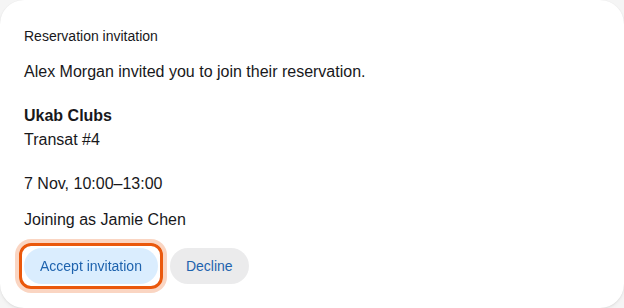
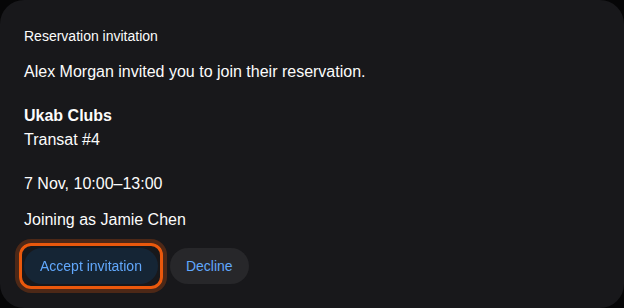
The example member Jamie Chen, invited by Alex Morgan to the pool place Transat #4.
Once you answer, the page shows Invitation accepted or Invitation declined. If you have a member account at this club, the invitation also appears in your reservations, where you can answer it too.
The link works for 7 days, and never after the reservation ends. When it has expired, or the booking was canceled, the page says Invitation unavailable.
3. Unsubscribe from a newsletter
At the bottom of every club newsletter, select Se désabonner / Unsubscribe. The page asks Unsubscribe from the newsletter?: select Unsubscribe to confirm.
The page then says You are unsubscribed and names the club whose newsletters you no longer receive. If it says This unsubscribe link is not valid, open the full link from the newsletter email again. To manage the newsletter from your member area, see Notifications.
Who sent the invitation
To invite a guest yourself, see Guests and sponsorship. To invite someone to your booking, see Invite the people coming with you.