Billing
Pay what you owe and download your invoices.
Your club sends invoices for your membership and other charges. Open My account, select the Billing tab, then Invoices to pay what is due and download your invoices.
1. Pay an outstanding invoice
Outstanding invoices lists what you still have to pay, with the amount left and the due date.
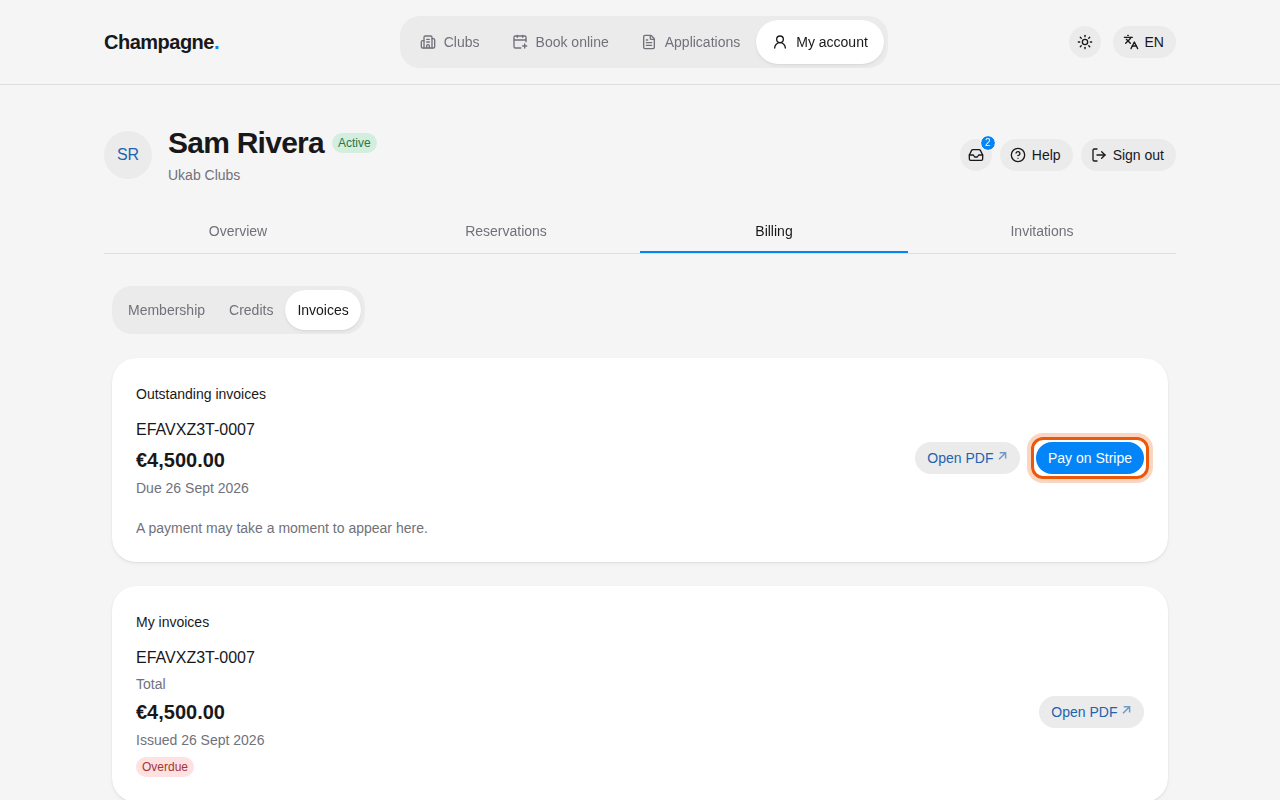
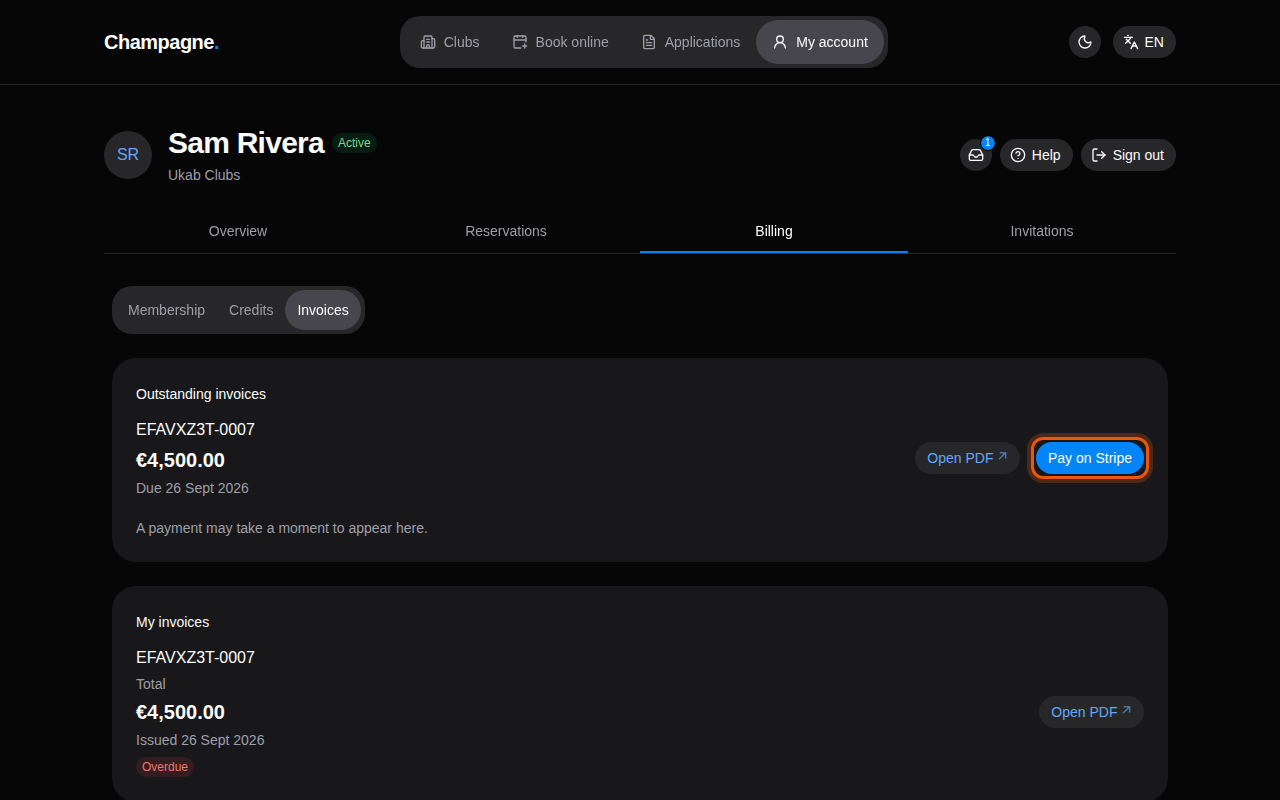
An overdue example membership invoice for Sam Rivera. The control to use is outlined in orange.
- Select Pay on Stripe. A secure payment page opens in a new tab.
- Pay the invoice by card.
- Come back to your account. A payment may take a moment to appear: the invoice then leaves Outstanding invoices.
If an invoice shows Contact your club to pay., it cannot be paid online: ask your club how to settle it.
2. Find and download your invoices
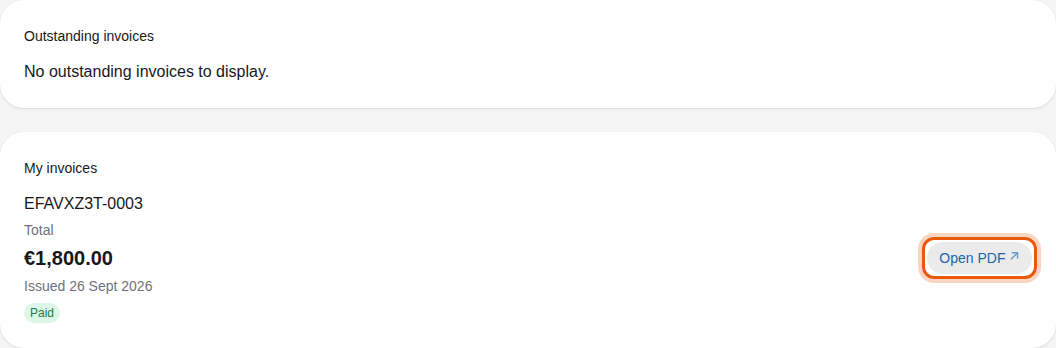
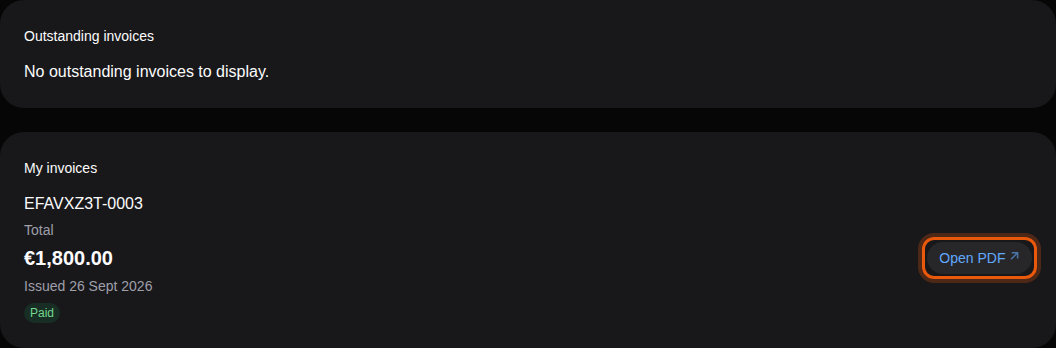
My invoices lists all your invoices, the most recent first, with their number, Total, Issued date and status. Select Open PDF to open an invoice in a new tab, then download or print it from there. PDF unavailable means no PDF can be opened for this invoice. Use Previous and Next when you have many invoices.
| Status | What it means |
|---|---|
| Awaiting payment | The invoice is waiting for your payment. |
| Overdue | The due date has passed and the invoice is still due. |
| Paid | The invoice is fully paid. |
| Draft | Your club is still preparing the invoice. |
| Voided | The club cancelled the invoice: you have nothing to pay. |
| Uncollectible | The club no longer expects this invoice to be paid. |
If the page says Invoices are currently unavailable. Contact your club., the club's online billing is not set up: ask the club for your invoices.
Bookings and credits
Bookings are paid from their own page with Pay reservation, see Book a reservation. Credit purchases appear in your credit history, see Your credits.