Your membership
Check your membership and choose a plan.
Your membership gives you access to your club. Credits are the club's own currency for bookings: each club picks its name, for example Stars ⭐ at Ukab Clubs. Both live in the Billing tab of My account.
1. Check your membership
Open My account, select the Billing tab, then Membership. My subscriptions shows your plan with its status and the date it ends.
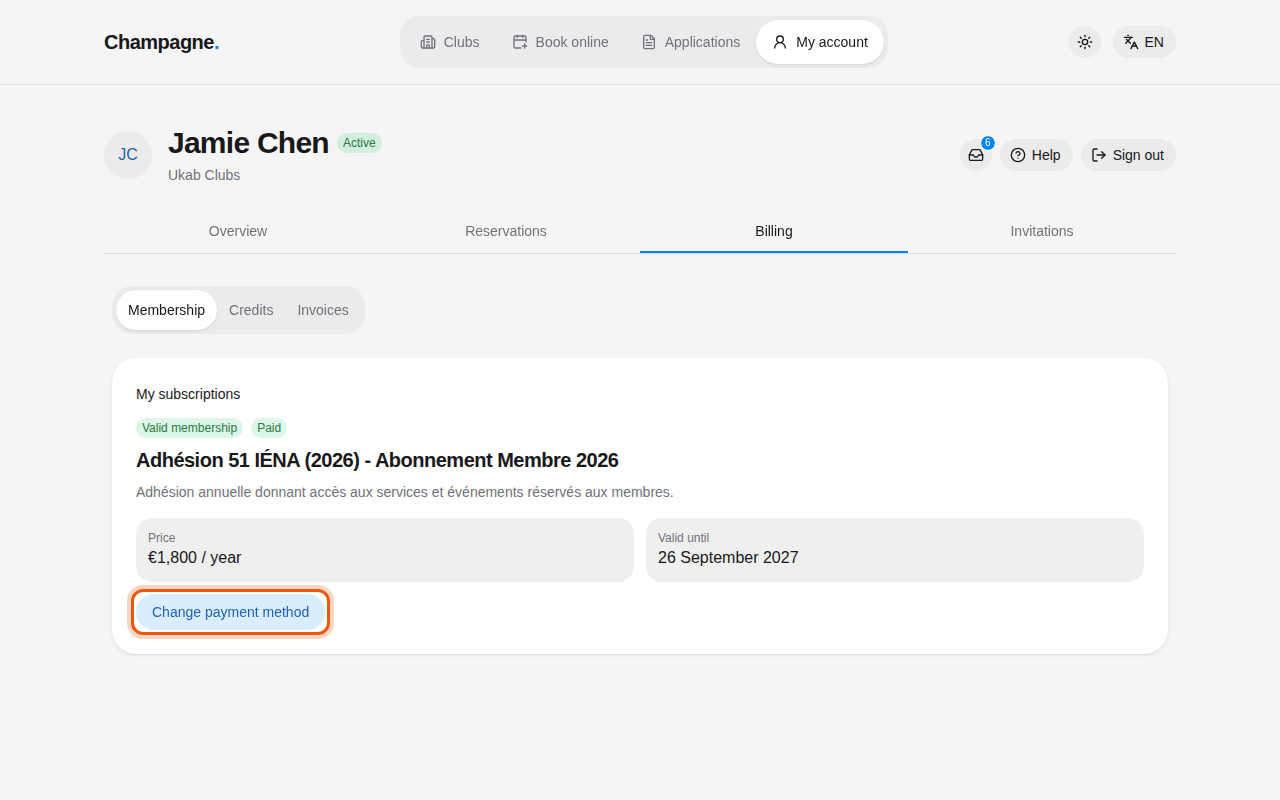
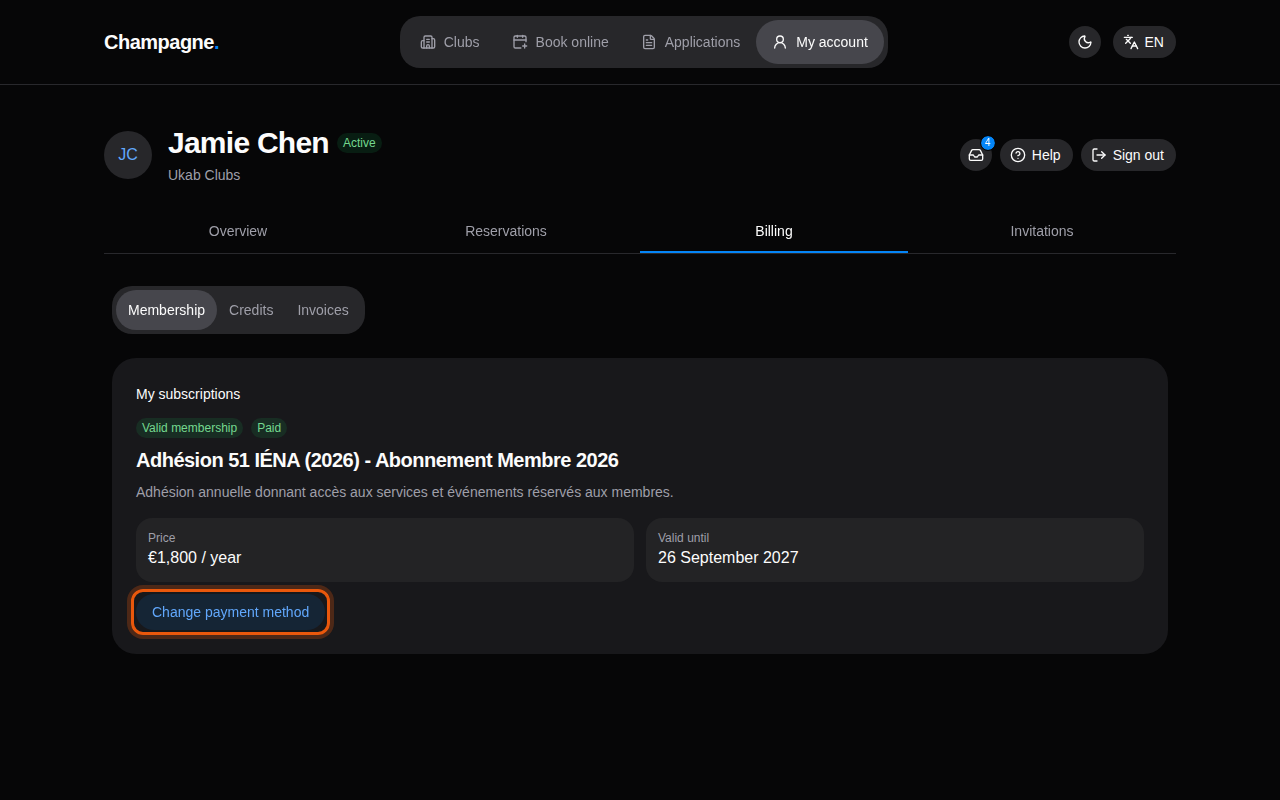
The yearly membership of the example member Jamie Chen. The control to use is outlined in orange.
| Label | What it means |
|---|---|
| Valid membership | Your membership is active. Valid until gives its end date. |
| Expired membership | Your membership has ended. Expired on gives the date. |
| Paid, Unpaid | For a renewing plan: Paid while the current period runs, Unpaid once its end date has passed without a renewal. |
Plans renew automatically at the end of each period. To pay with another card, select Change payment method. Your payment settings open on a secure Stripe page, where you update your card before coming back to your account.
To stop your plan, contact your club: the payment page only changes your card. Your membership is extended only when a renewal payment succeeds. If your card is refused, update it with Change payment method before the end date, or your membership ends on that date.
When your club recorded your membership itself, without an online payment, the page has no Change payment method button. Ask your club about renewing it.
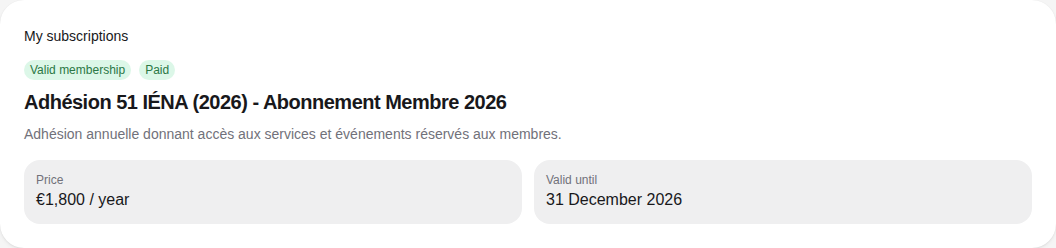
If your membership has expired while a subscription is still linked to your account, the page shows Your membership needs attention. Select View my invoices to find what is due, or contact your club before you subscribe again.
Changing plan
The member area has no button to switch plans. Ask your club: the staff updates your membership for you.
2. Choose a membership
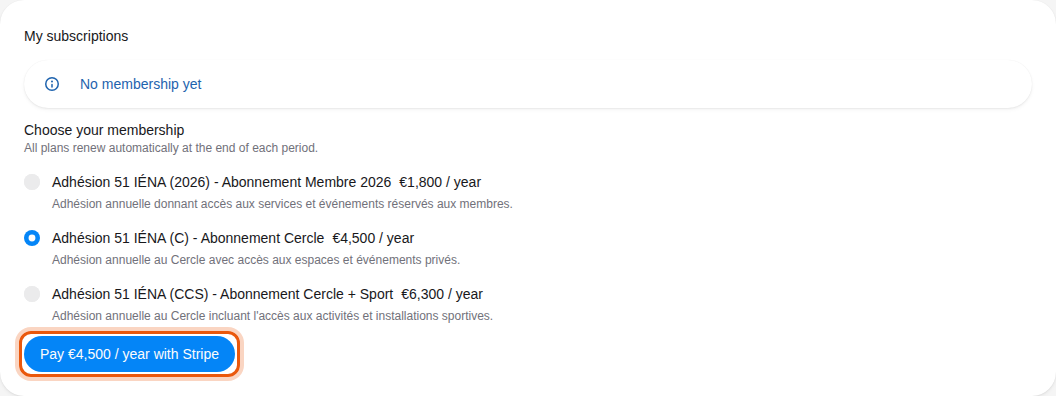
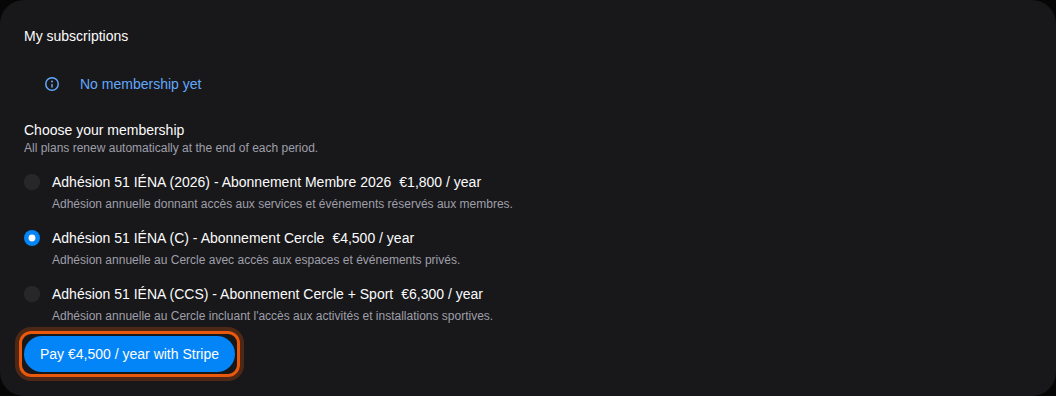
Without a membership, the page shows No membership yet and the plans your club offers.
- Under Choose your membership, select a plan. Each plan shows its price and period.
- Select Pay … with Stripe. The button repeats the price of the selected plan.
- Pay on the secure Stripe page. You then come back to your account.
While the payment is checked, the page shows Confirming your payment: wait for it to update and do not pay again. Payment confirmed means your membership is recorded.
If the payment does not go through
| Message | What to do |
|---|---|
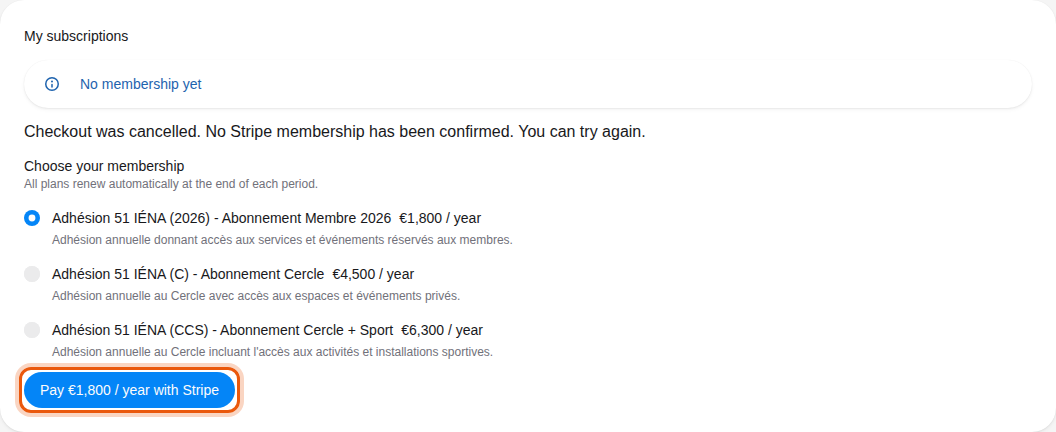
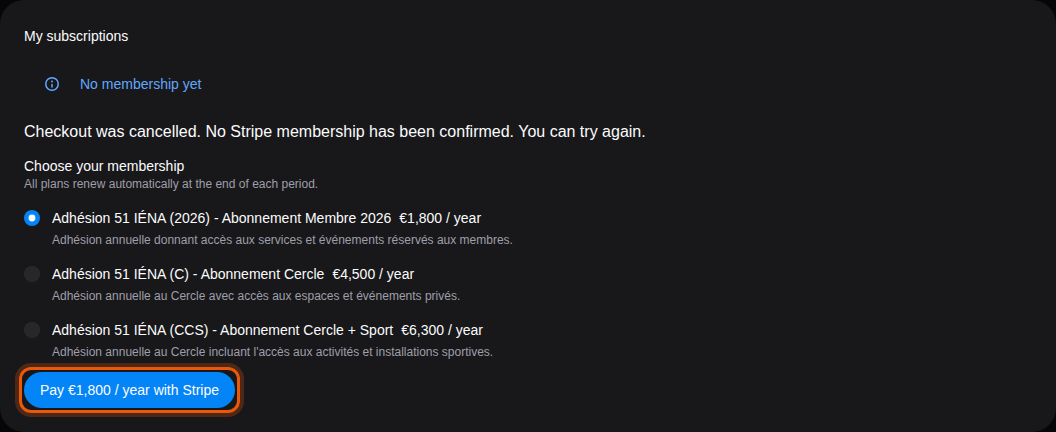
| Checkout was cancelled. No Stripe membership has been confirmed. You can try again. | You left the Stripe page without paying. Pick a plan and select Pay … with Stripe again. |
| Checkout expired. You can start a new payment attempt. | The payment page was open too long. Select Start new Checkout. |
| Missing Checkout session. Open the original Stripe return link to verify this payment. | The return link lost its payment reference. Open the original link from Stripe to check the payment. |
| Retry Checkout on the button | The payment page could not open. Select the button to try again. |
| Online payment is currently unavailable. Please contact your club for assistance. | The club does not take online payments yet. Contact it to join. |
To top up your credits and follow how you spend them, see Your credits.