Book a reservation
Pick an activity in your club's schedule, choose a time and confirm your booking.
Members book rooms, places and sessions from their member area. You need an active membership at your club to book. Without an account, use Book online to book as a visitor: see Book online as a visitor.
1. Open your reservations
Sign in to the member app, open My account and select the Reservations tab. The top of the page lists My upcoming reservations. Select a booking to see its details, pay it or message your club.
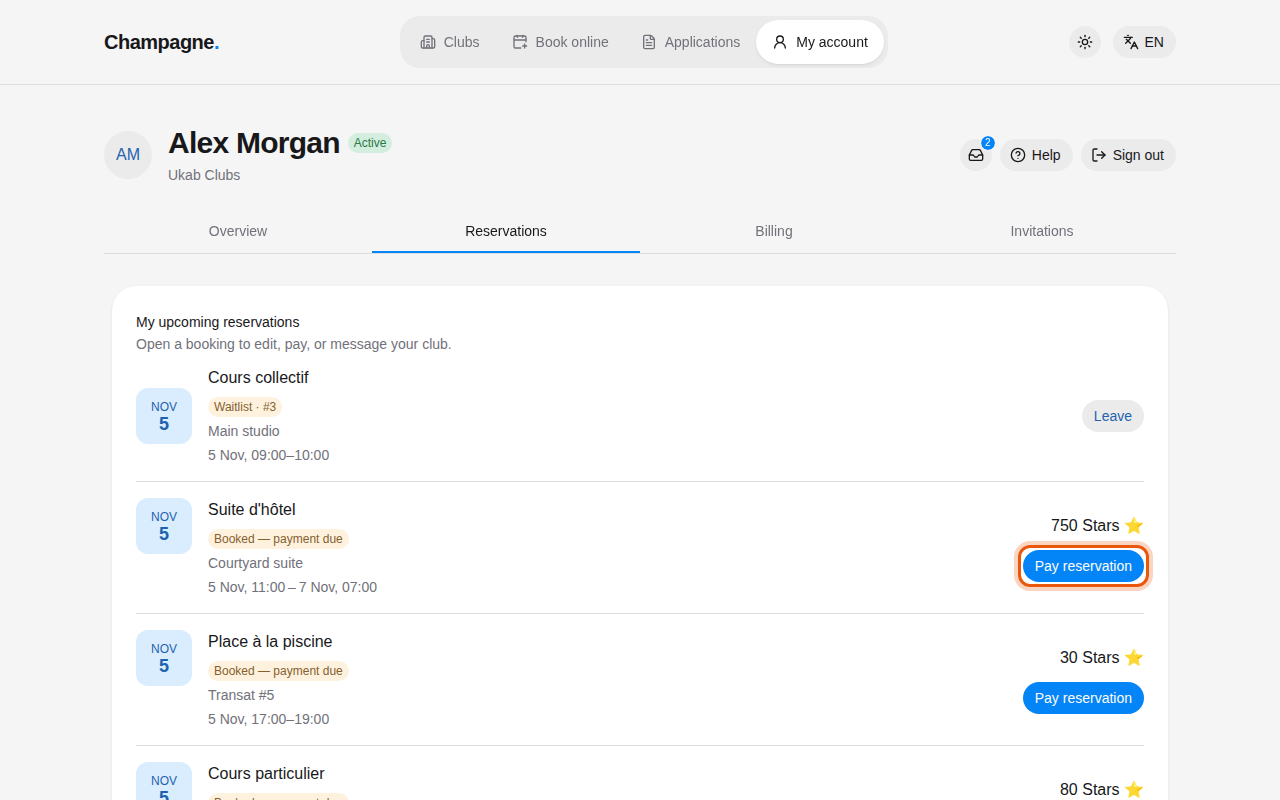
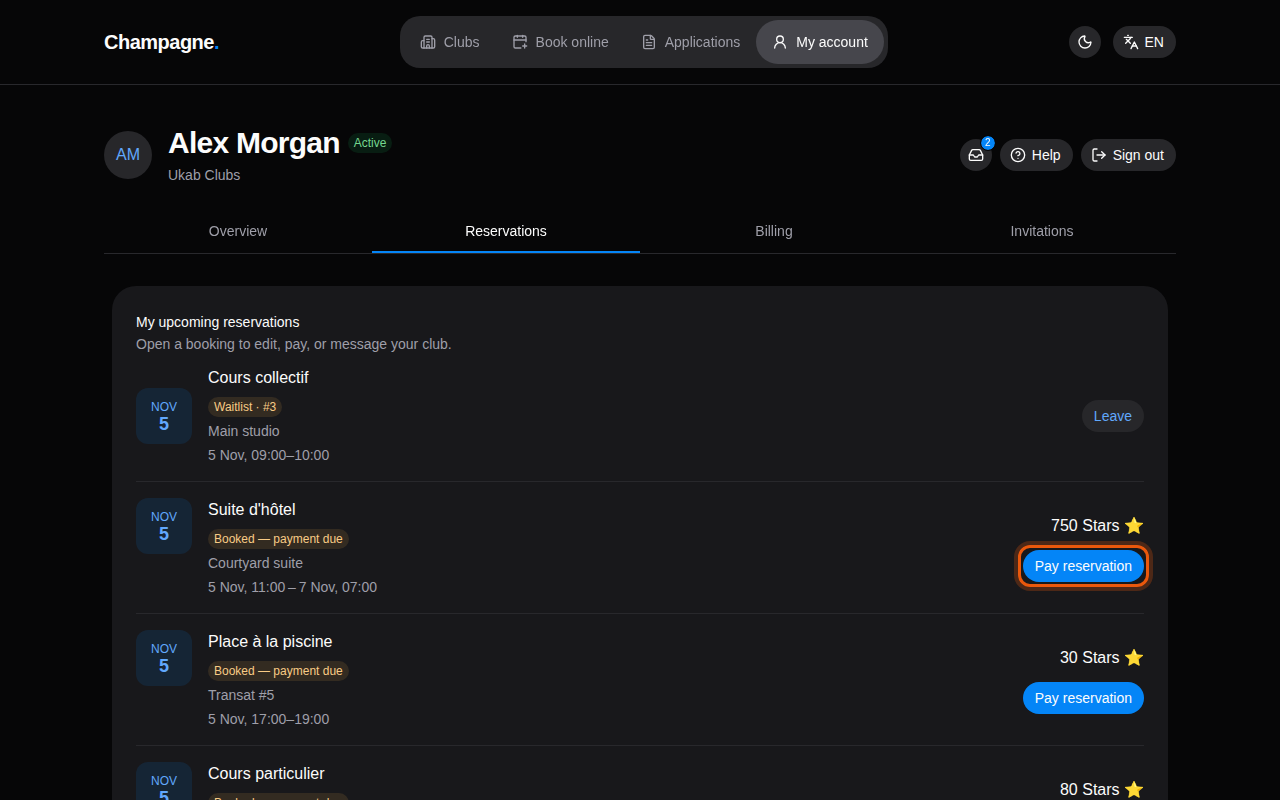
Upcoming reservations of the example member Alex Morgan at Ukab Clubs. The control to use is outlined in orange.
Each booking shows a status and its price, with the Security deposit when the club asks for one. Booked — payment due means the place is held for you and still needs to be paid: select Pay reservation to settle it. A lesson whose time the club proposed shows Review proposal instead.
Without a valid membership, the page shows A valid membership is required to book in place of the club schedule. See When your account is limited.
2. Find a free time in the club schedule
Scroll down to Club schedule.
- In Activity, pick what you want to book, for example a meeting room.
- Use the arrows or This week to move between weeks.
- If the activity has several rooms or places, pick one in Resource.
Each day shows the times already taken as Unavailable. Select Choose a time on the day you want.
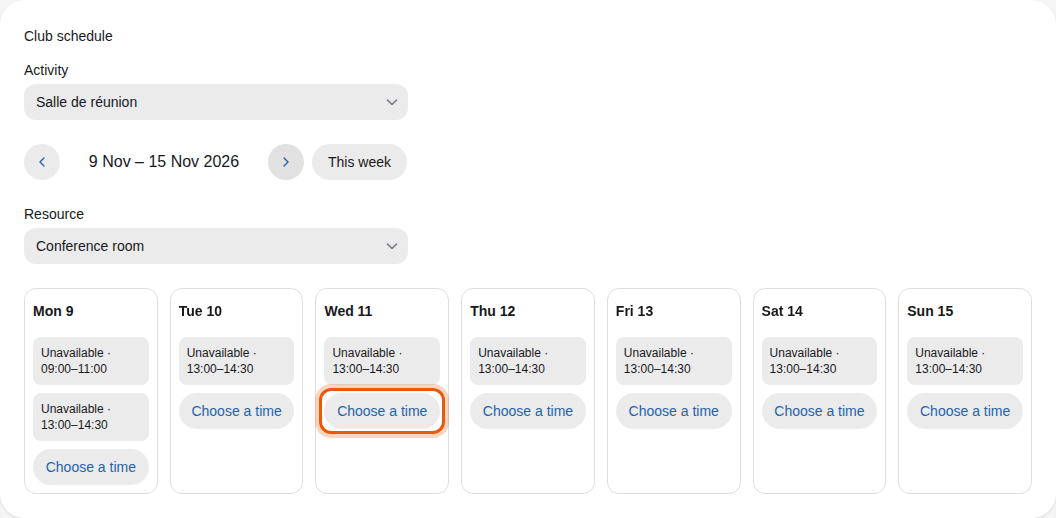
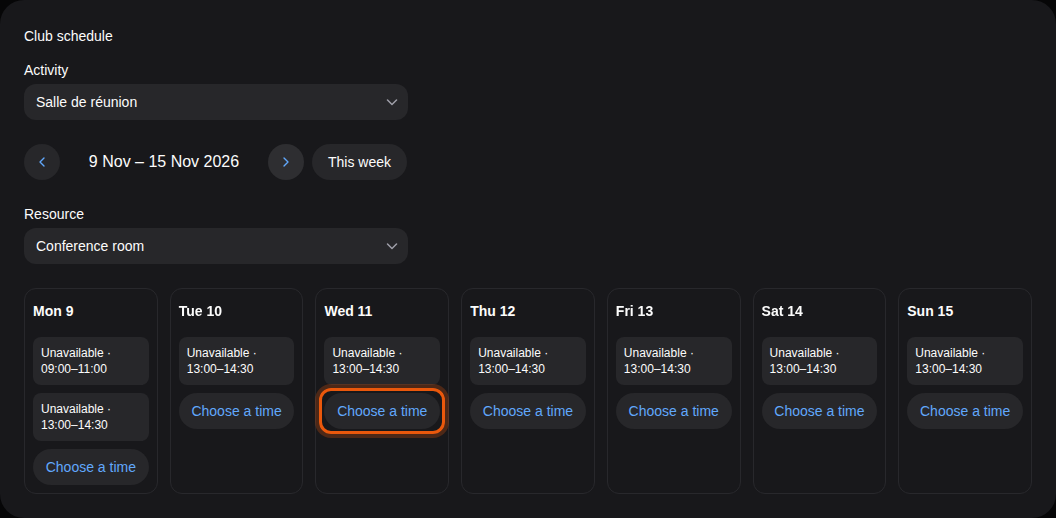
Some activities work differently. Group classes list their sessions directly, so you register for a session. Places on a floor plan, such as pool loungers, show Choose a place so you can pick your spot on the map.
3. Confirm your booking
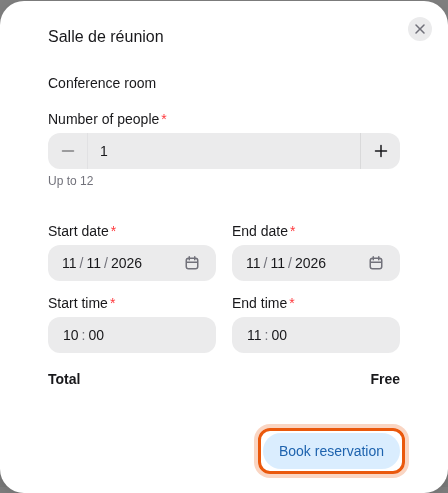
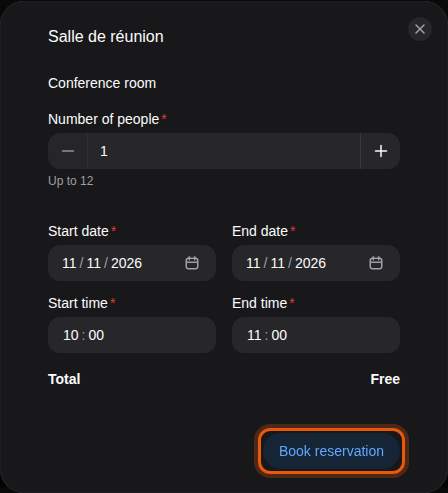
A form opens with the activity and resource you chose. Set the Number of people, the Start date and Start time, and the End date and End time. The Total shows the price before you confirm.
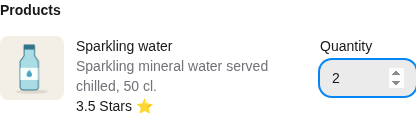
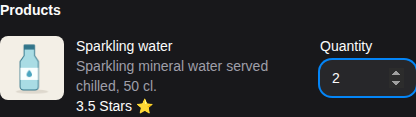
Some activities offer extras, such as drinks brought to your pool lounger. They are listed under Products with their price: set a Quantity for each one you want. Their cost is added to the total.
Below the dates, a summary sums up what you will pay:
| Line | What it means |
|---|---|
| Reservation and Refundable deposit | The price and the security deposit, shown separately when the club asks for one. |
| Total or Total including deposit | What the booking costs in all. |
| Available balance | Your credits, when the booking is paid in credits. |
| Payment required to confirm. | The booking is held until you pay it. |
| Subject to club approval. | The club confirms the booking before it is final. |
| Free cancellation until … | Cancel before this date to get the price back. |
| The price is non-refundable: the cancellation notice has passed. | Cancelling now does not give the price back. |
| Missing … for payment. | Your balance is too low to pay the booking right away. |


The summary of the example pool booking: 30 Stars for the place and 7 Stars of water.
When your balance is too low, the summary shows Missing … for payment. with the amount you lack. If the booking does not need the club's approval, it adds You can book now and pay once your credits are topped up.: you can still select Book reservation and pay later. Select Top up my credits to open your credits page and buy a pack. See Your credits.
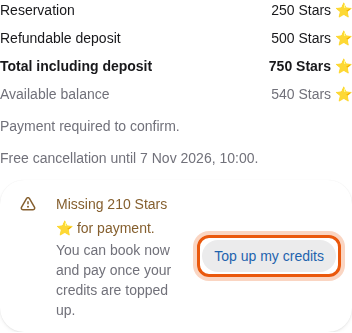
A one-night suite booking costs Alex Morgan 750 Stars with its deposit, 210 more than his balance.
Select Book reservation. The booking appears in My upcoming reservations. If it has a price, pay it from there with Pay reservation. See Your reservations.
Prices in Stars
Some clubs price bookings in Stars, the club's credits. You buy Stars in packs from your account. See Your credits.