# Guests and sponsorship
Invite a guest to the club and sponsor someone who applies.
Source: https://docs.champagne.dev-ukab.fr/en/guide/members/guests-and-sponsorship
As a member, you can open the club to people you know. Invite a guest for a few hours, or
give a sponsor code to someone who applies to become a member. Both are in the
**Invitations** tab of **My account**.
## 1. Invite a guest [#1-invite-a-guest]
A guest gets a temporary account at your club, for example to join you for an afternoon.
Select the **Invitations** tab, then **Club guests**.
1. Enter the **Guest email**.
2. Choose the **Access duration**: **12 hours**, **24 hours** or **48 hours**. The temporary
account starts when the guest accepts.
3. Select **Send invitation**. The page confirms **Invitation sent to …** and the guest
receives an email to accept it.
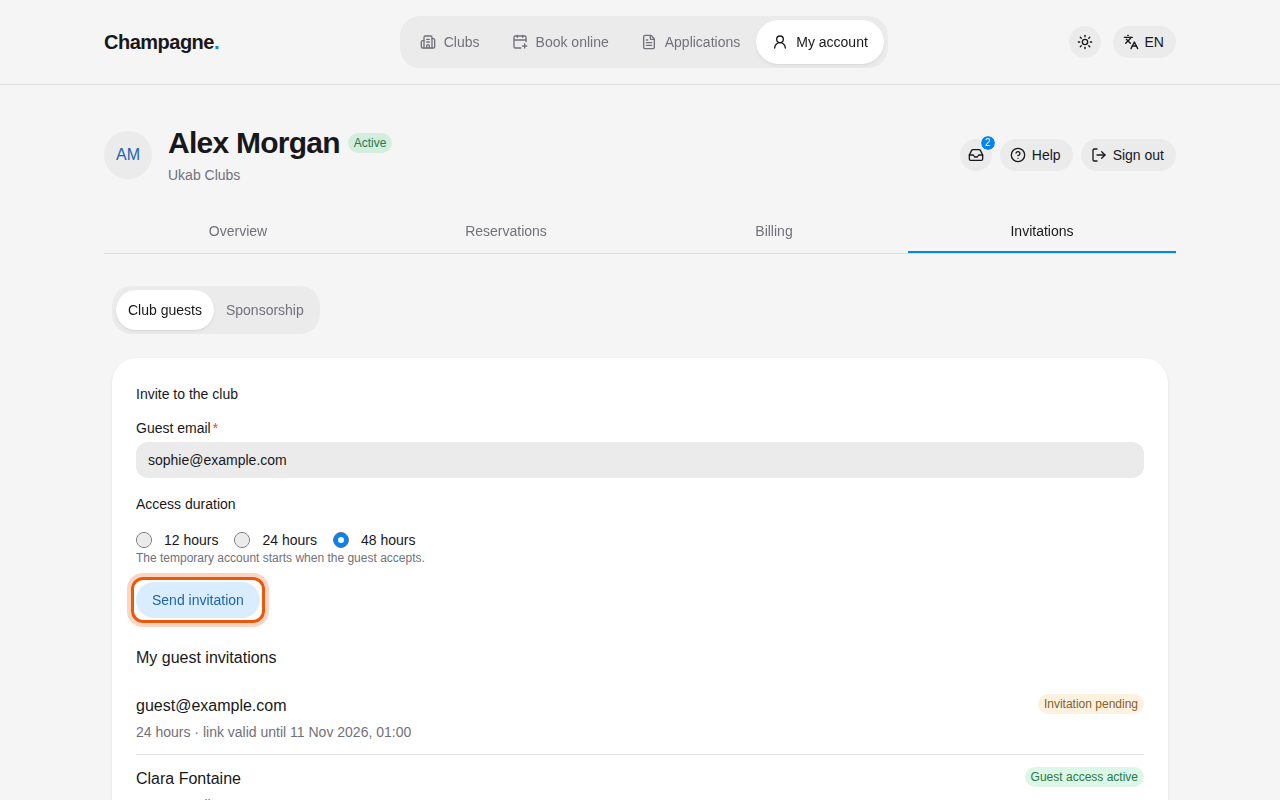
A new invitation for 48 hours to [sophie@example.com](mailto:sophie@example.com), below Alex Morgan's pending invitation. The
control to use is outlined in orange.
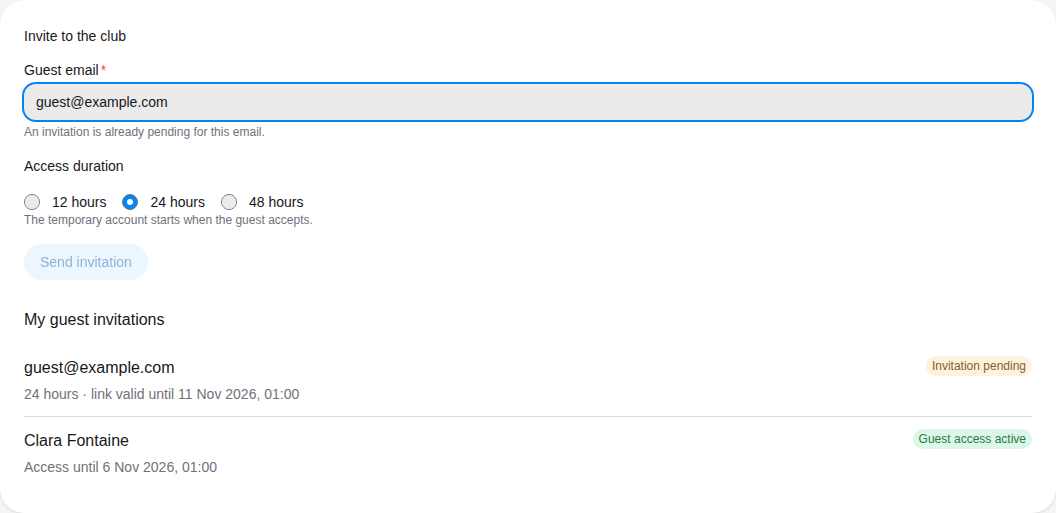
If the guest already has a pending invitation or active access, the form says **An invitation
is already pending for this email.** or **This guest already has active access.**, and **Send
invitation** stays unavailable.
[guest@example.com](mailto:guest@example.com) already has a pending invitation from Alex Morgan, and Clara Fontaine is
visiting as his guest.
## 2. Follow your invitations [#2-follow-your-invitations]
**My guest invitations** lists the people you invited. Under each one, a line gives the
access duration and when the link stops working, for example **24 hours · link valid until**
followed by a date. Once the guest has accepted, it shows **Access until** and the end of
their access.
| Status | What it means |
| ----------------------- | ------------------------------------------- |
| **Invitation pending** | The guest has not accepted yet. |
| **Invitation expired** | The guest did not accept in time. |
| **Guest access active** | The guest is using their temporary account. |
| **Guest access ended** | The access duration is over. |
For an expired invitation or an ended access, select **Invite again**. The form fills in with
the same email and duration: check them and select **Send invitation**.
## 3. Sponsor a new member [#3-sponsor-a-new-member]
Some clubs ask applicants for codes from current members. Select **Sponsorship**.
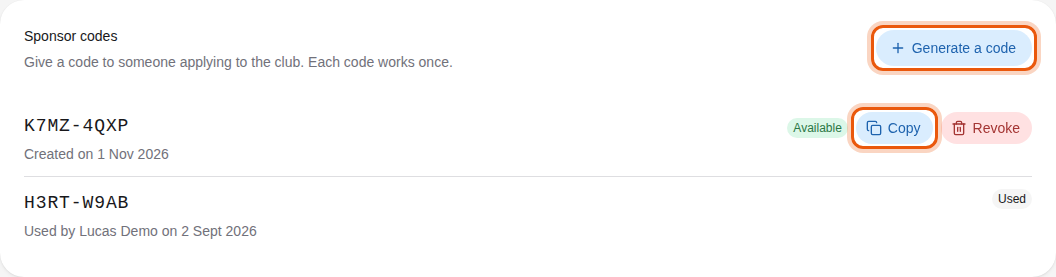
Alex Morgan's sponsor codes: one still available and one used by the applicant Lucas Demo.
1. Select **Generate a code**. A new code appears in the list as **Available**.
2. Select **Copy** and send the code to the person you sponsor.
3. They enter it in their [application](/en/guide#application), in a field such as **Sponsor code 1**. See [Complete
and sign your application](/en/guide/members/sign-your-application).
Each code works once. When it is used, it shows **Used** with the applicant's name and the
date, as for H3RT-W9AB above. To cancel a code you no longer want to give, select **Revoke**,
then **Revoke** again in **Revoke this code?**: the code stops working, even for someone you
already gave it to. Only available codes can be copied or revoked.
You can keep up to 5 codes that nobody has used yet. Beyond that, the page says **You can keep
at most 5 unused sponsor codes. Revoke one first.**
> You need a valid membership to sponsor. Without one, the page shows **A valid membership is
> required to sponsor** and a **View my membership** link.