# When your account is limited
Understand why you cannot book or see some pages, and what you can still do.
Source: https://docs.champagne.dev-ukab.fr/en/guide/members/account-status
Your club can limit your account, for example after missed bookings, and some pages need a
valid membership. This page explains the notices you then see in your member area. For the
rest of the member area, see [Your member area](/en/guide/members/your-account).
## 1. Read your account status [#1-read-your-account-status]
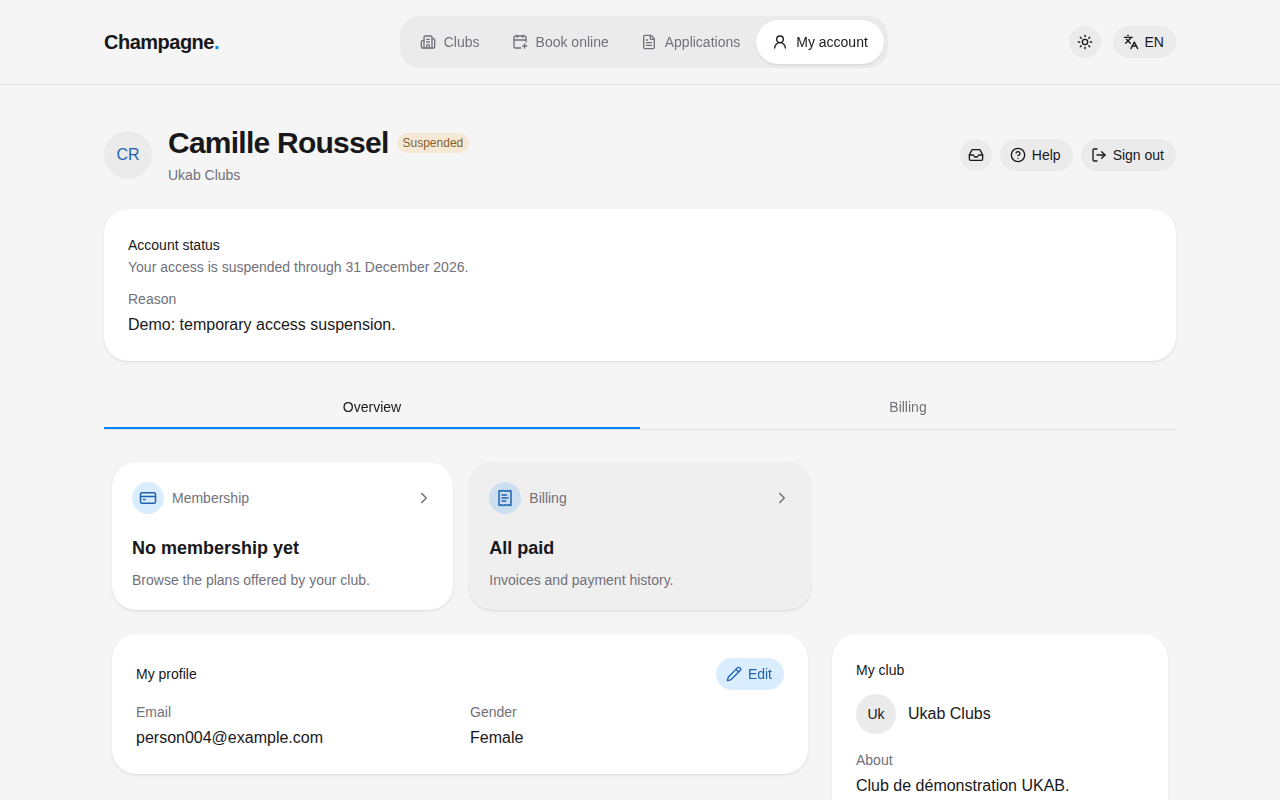
When your club limits your account, the status next to your name changes, and an **Account
status** card at the top of every page explains it. When the club gave a reason, it appears
under **Reason**.
The example member Camille Roussel, suspended until the end of the year.
| Status | What the card says | What you can still do |
| -------------------- | ----------------------------------------------------------- | ------------------------------------------------------------------------------ |
| **Suspended** | **Your access is suspended through** followed by a date | See your overview, billing and inbox. Reservations and invitations are hidden. |
| **Bookings blocked** | **You cannot make reservations through** followed by a date | Everything except new bookings. Your existing bookings stay available. |
| **Banned** | **Your account has been banned.** | See your overview, billing and inbox. |
| **Disabled** | **Your account is currently disabled.** | See your overview, billing and inbox. |
Contact your club if you think a status is wrong: only the club can change it.
## 2. When you cannot book [#2-when-you-cannot-book]
When your bookings are blocked, the **Reservations** tab shows **Your bookings are currently
blocked** in place of the club schedule. Your upcoming bookings are listed below it.
The notice of a member whose bookings are blocked after repeated no-shows.
Without a valid membership, the **Reservations** tab shows **A valid membership is required to
book** in place of the club schedule. Select **View my membership** to choose a [plan](/en/guide#plan), see
[Your membership](/en/guide/members/membership-and-credits).
The Reservations tab of Louis Boulanger, who has no membership yet.
## 3. Guest and temporary accounts [#3-guest-and-temporary-accounts]
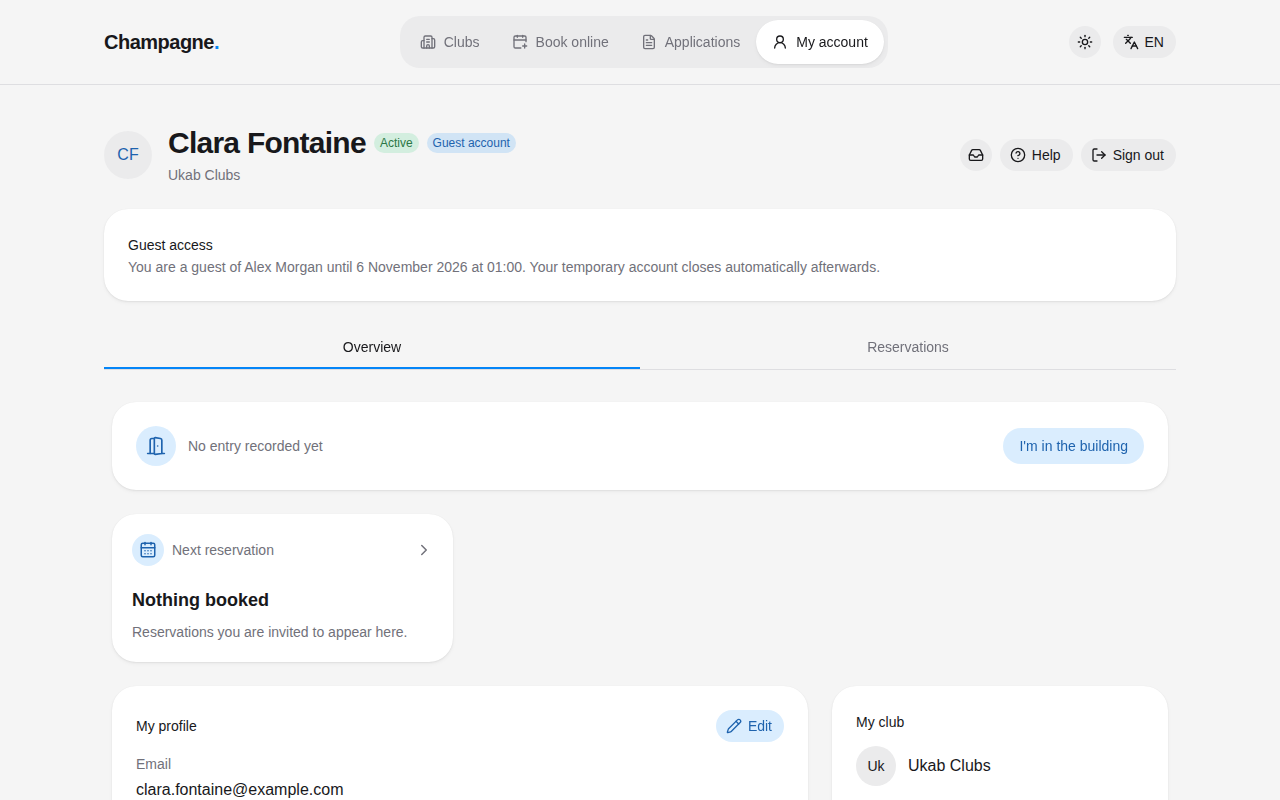
Guests and visitors see one more card:
* **Guest access** tells a guest invited by a member until when they can use the club, for
example **You are a guest of** followed by the member's name and the end date. The temporary
account closes automatically afterwards. See
[Accept an invitation you received by email](/en/guide/members/invitations-from-email).
* **Temporary account** tells a visitor who booked online that the account ends at the end of
a given day. See [Book online as a visitor](/en/guide/members/book-online).
Clara Fontaine, visiting Ukab Clubs as Alex Morgan's guest.